QC Finder
See QC photos of any item before you buy. Paste a Weidian, Taobao, 1688 or agent link to see the QC albums from other people's orders.
Paste a link and I'll check the warehouses.
How the QC finder works
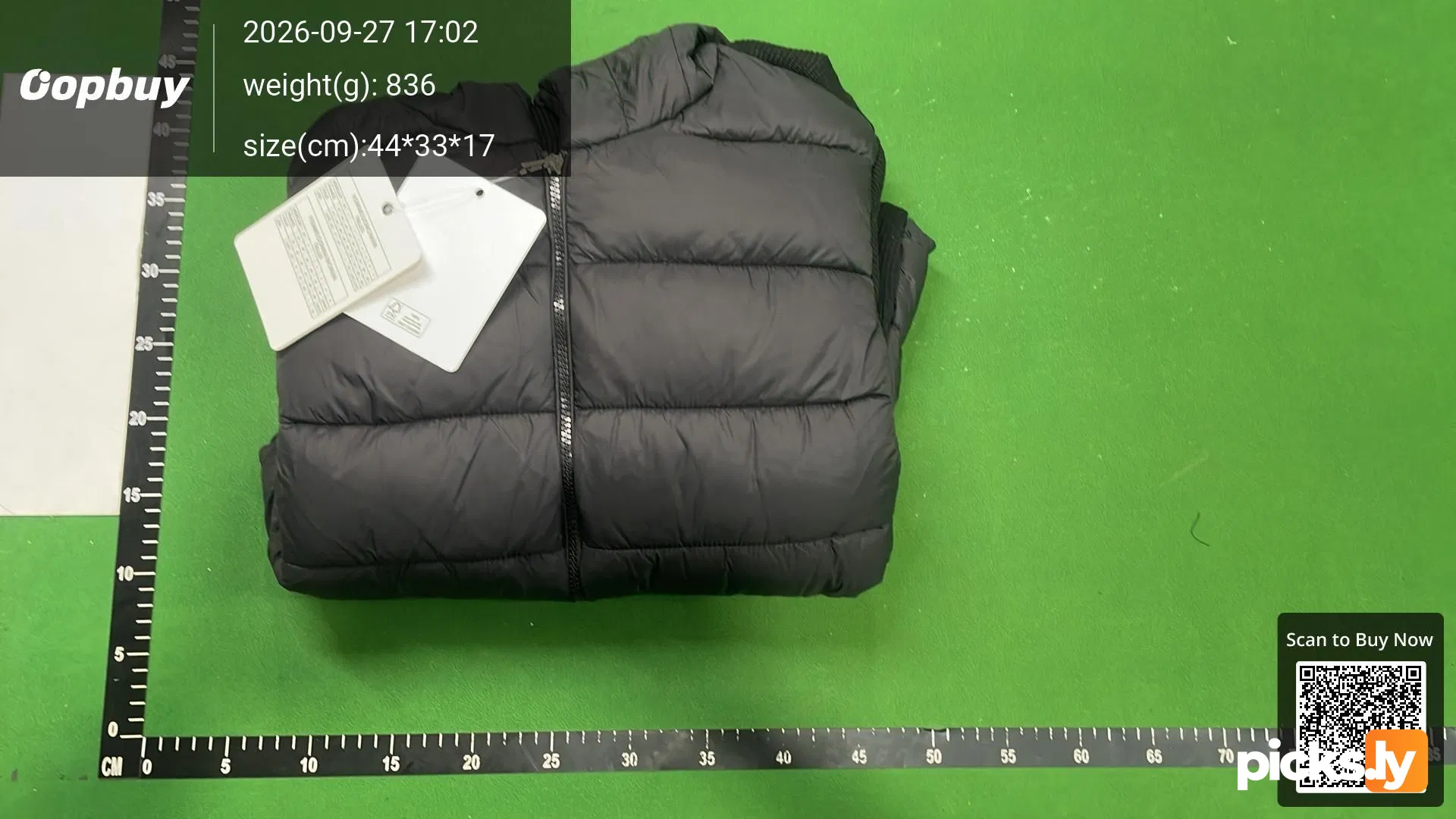
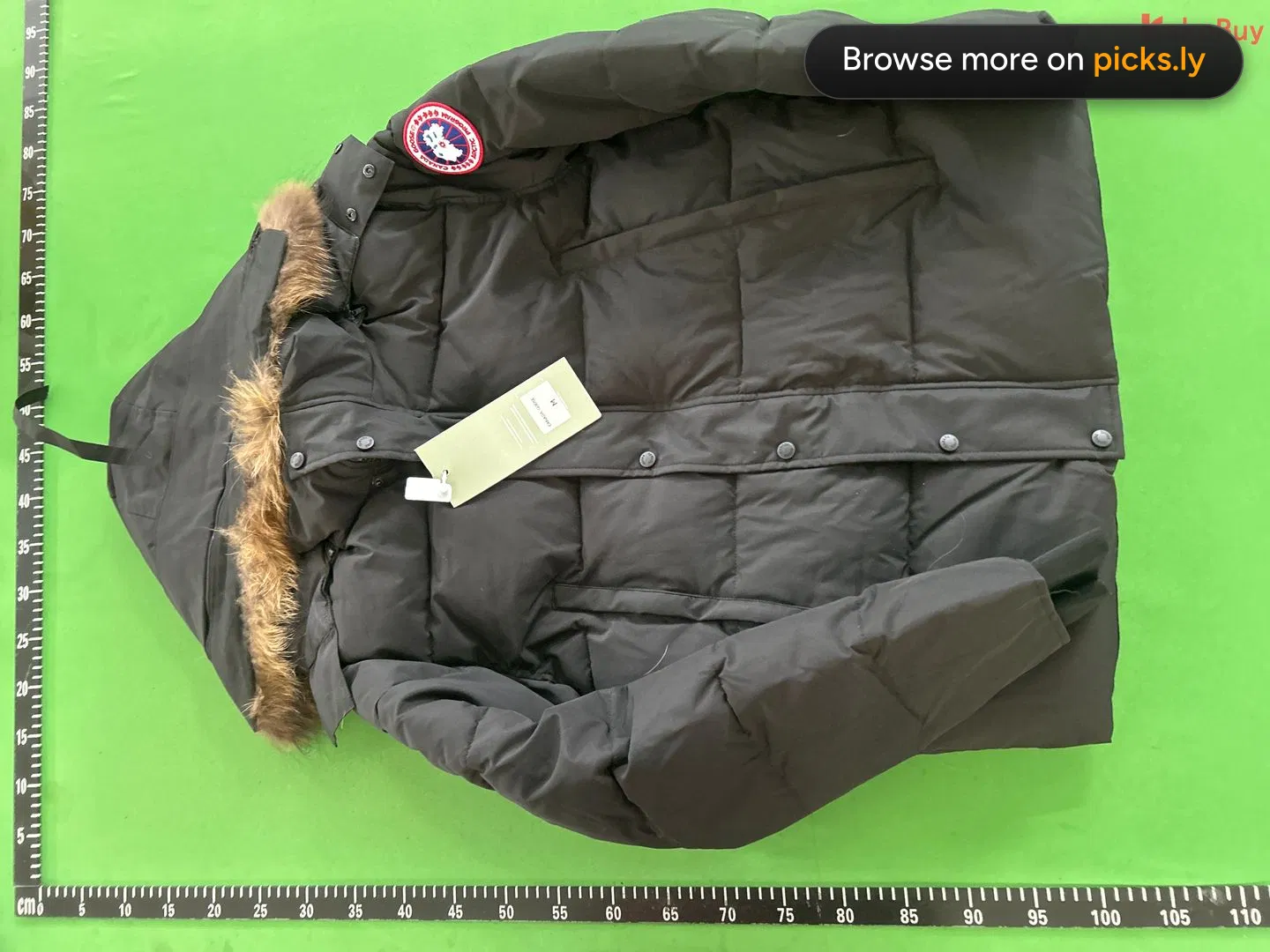
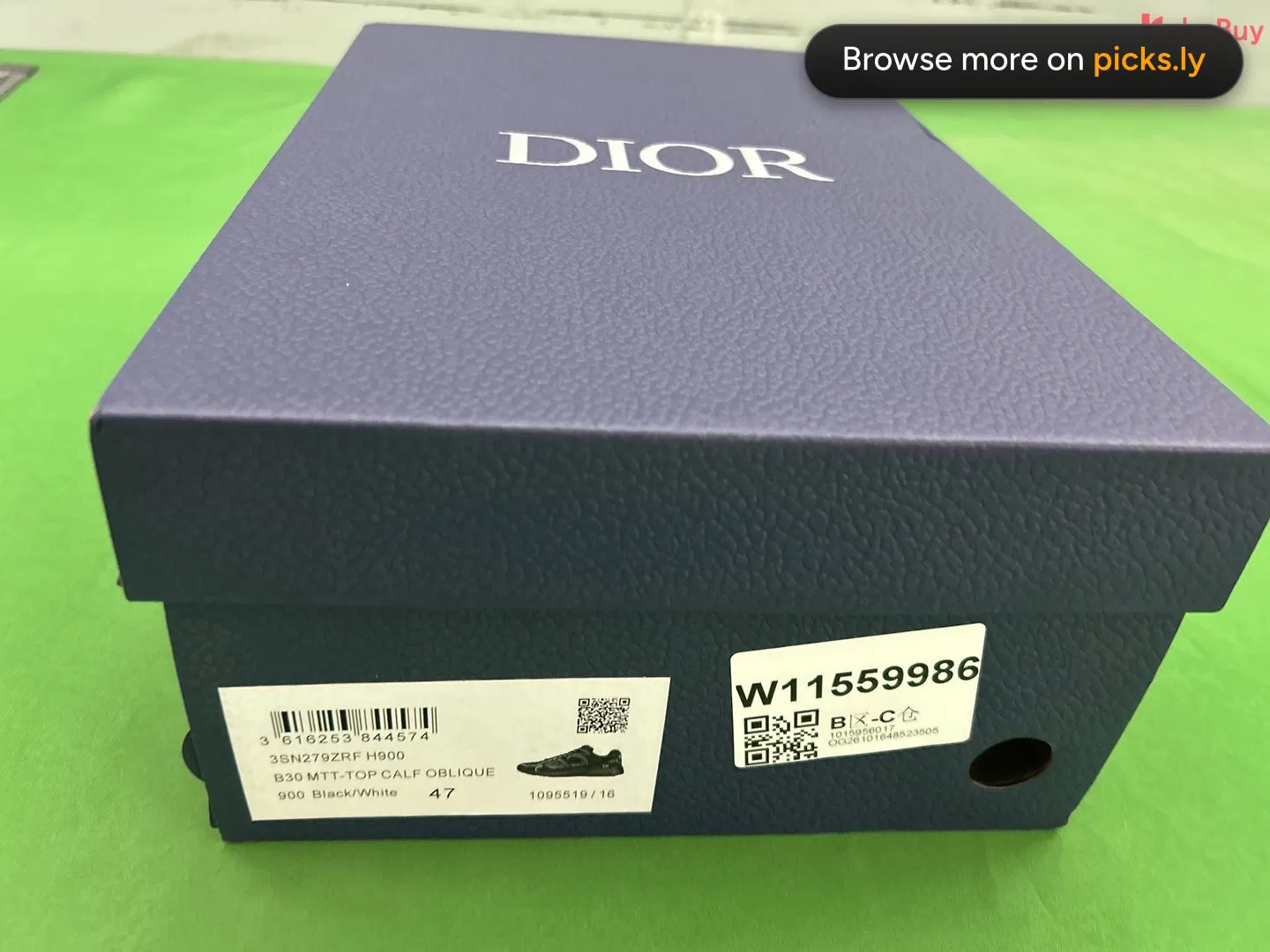
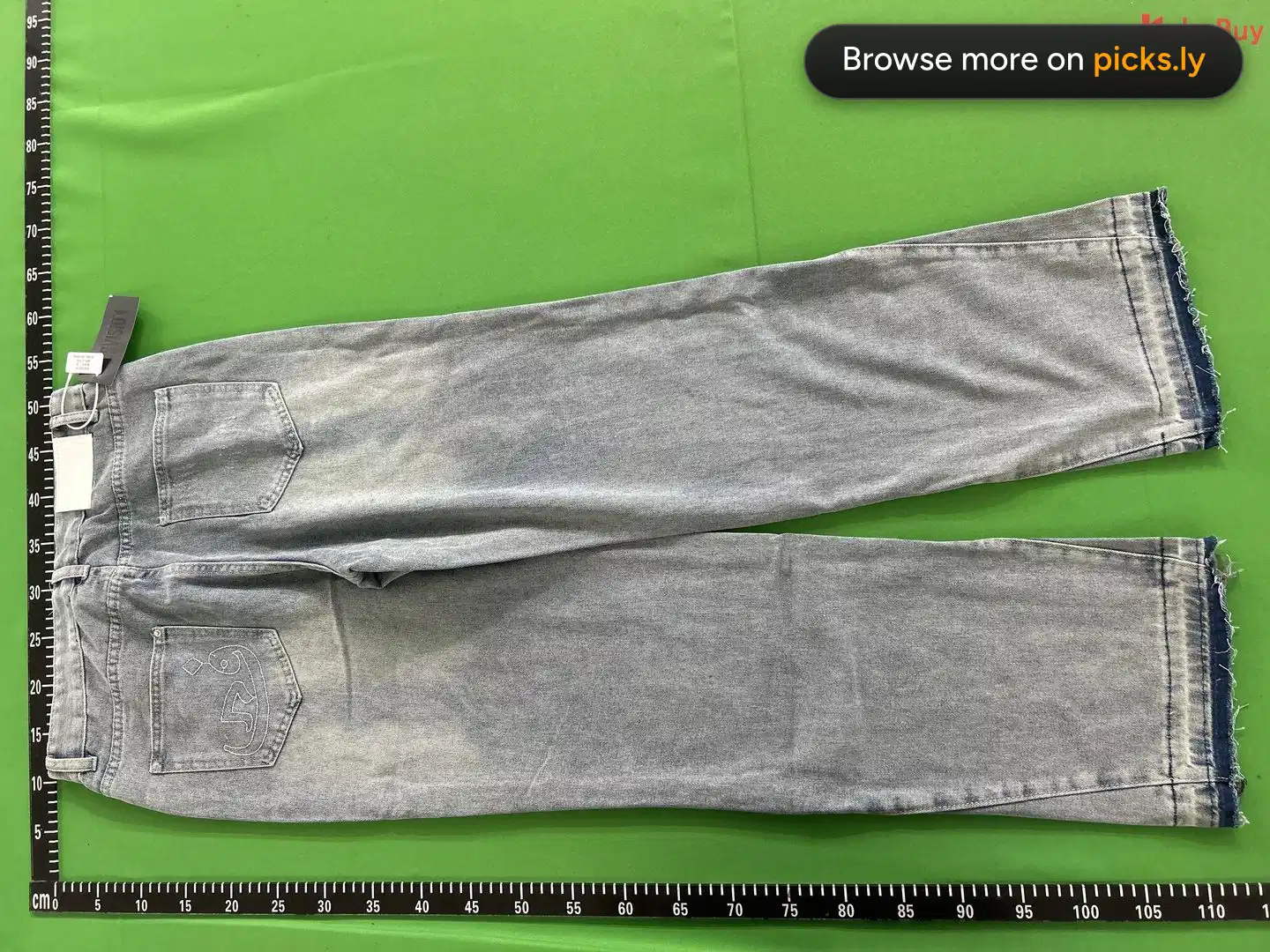
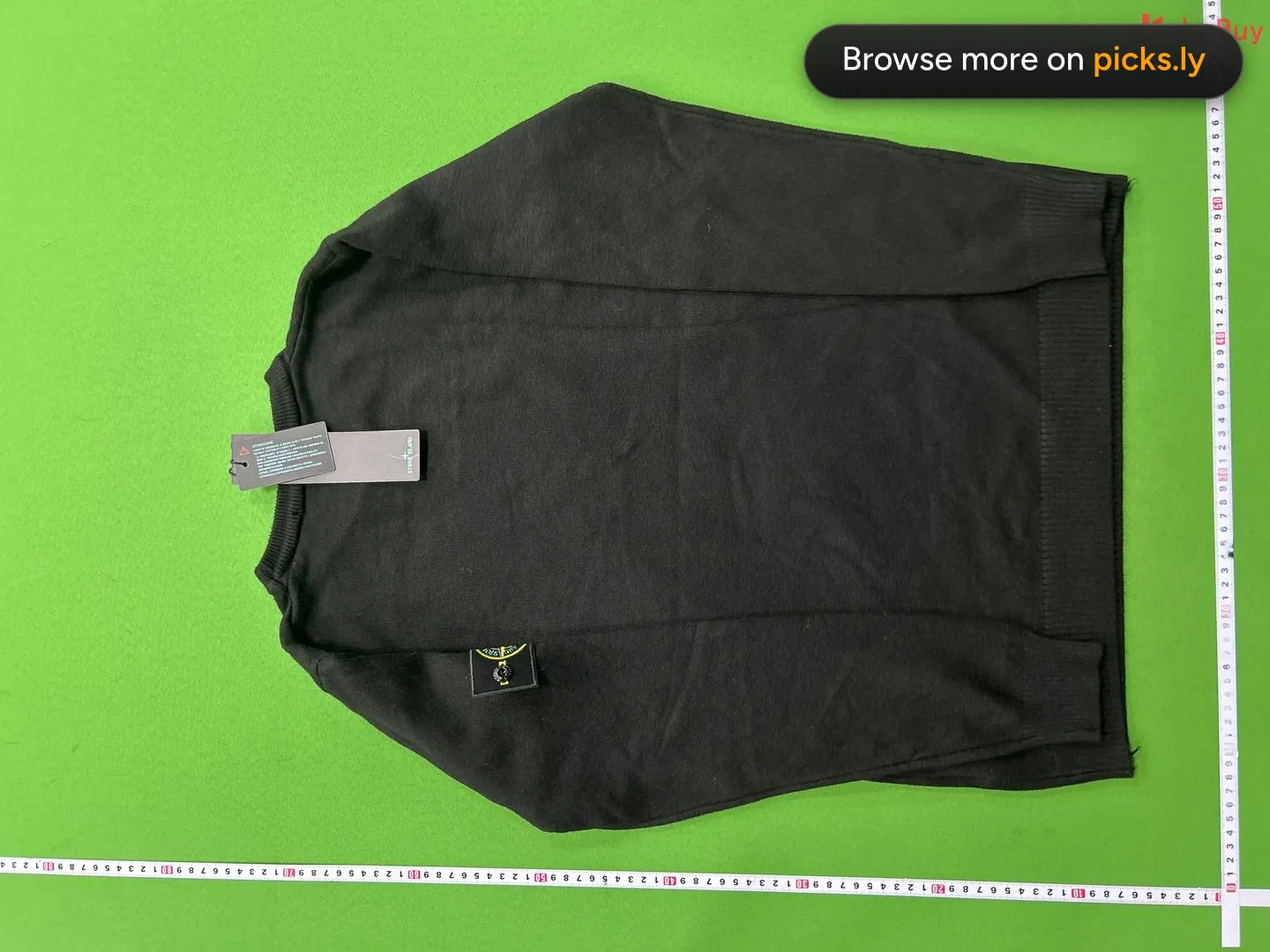
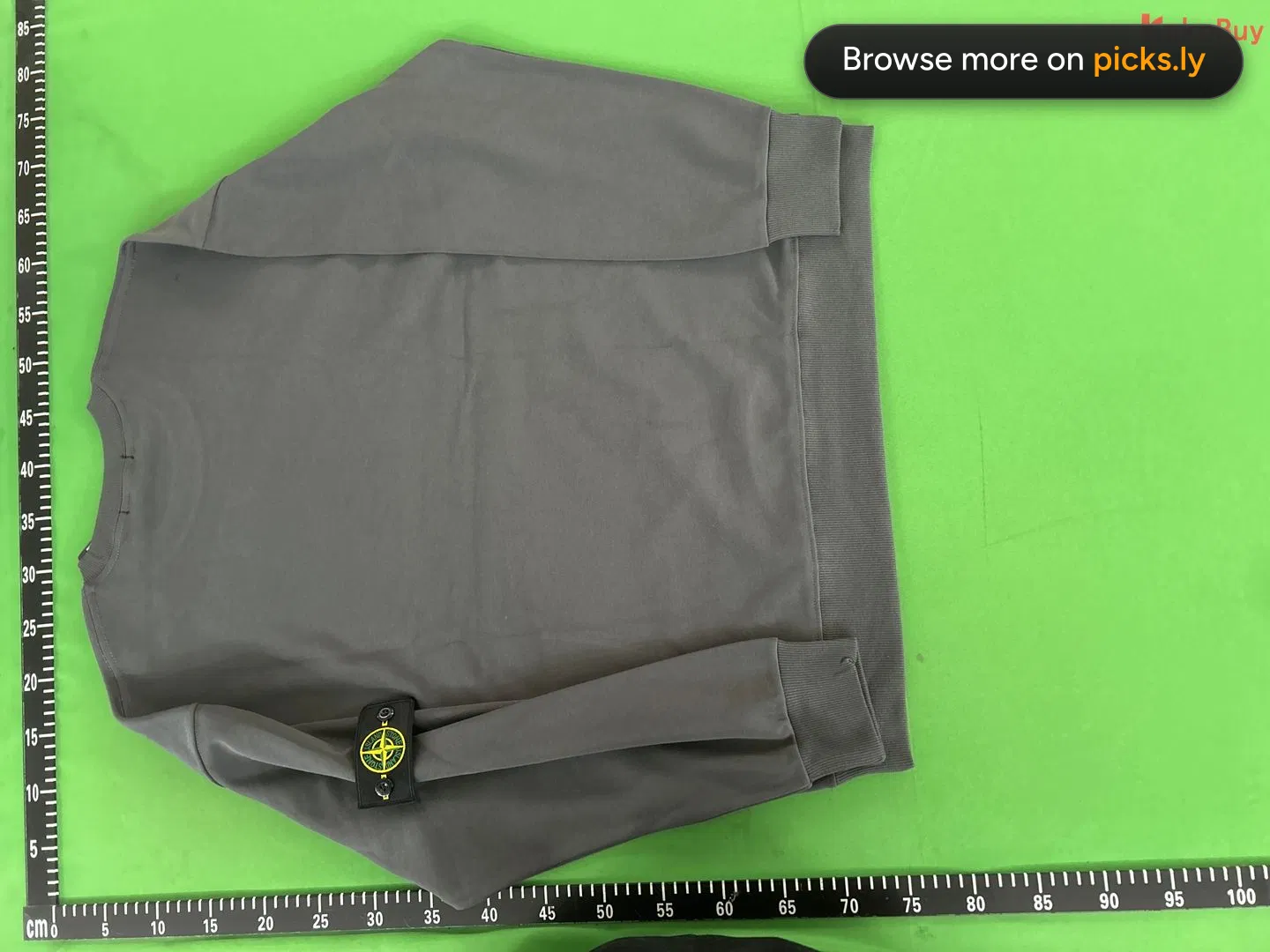
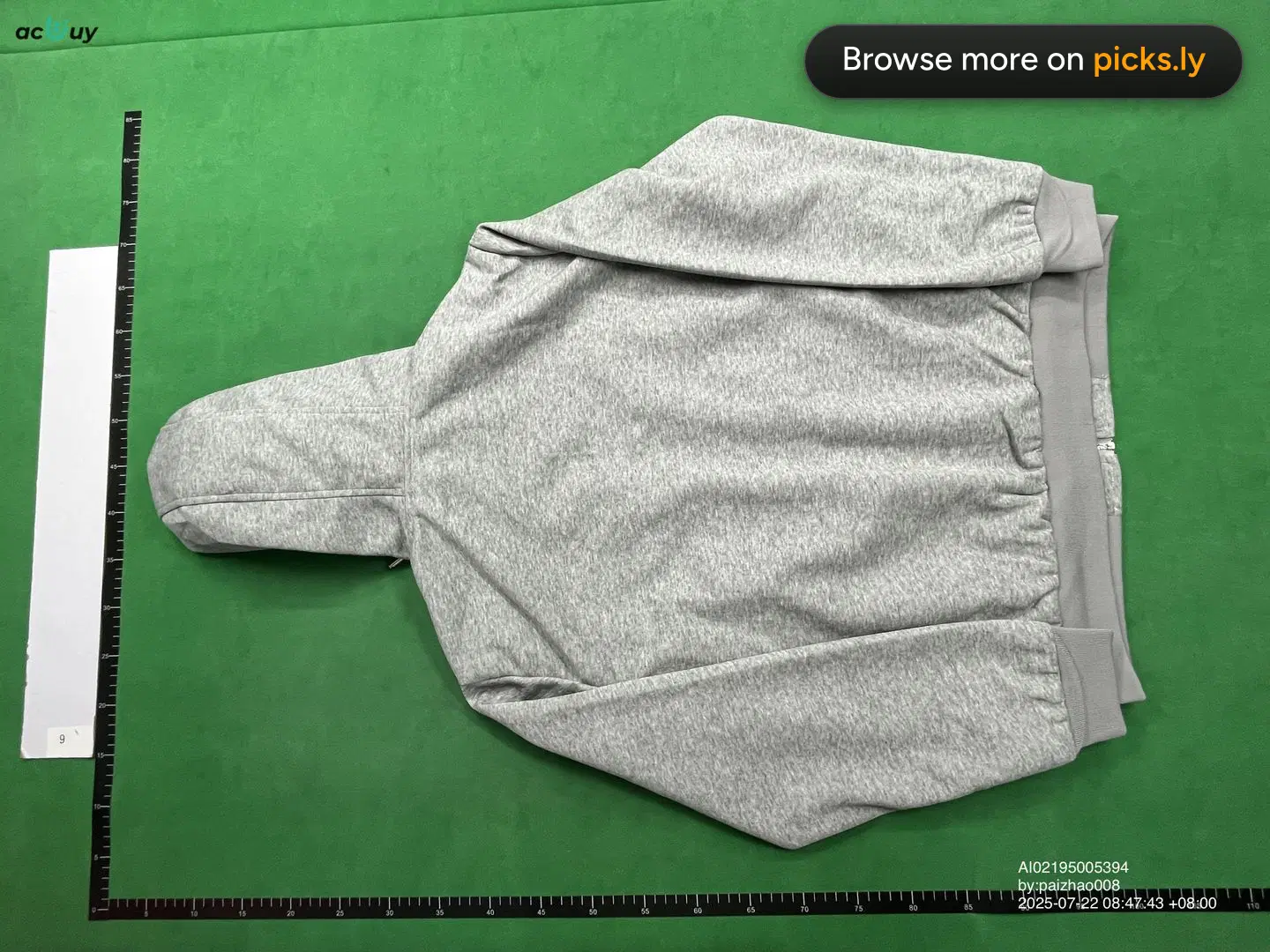
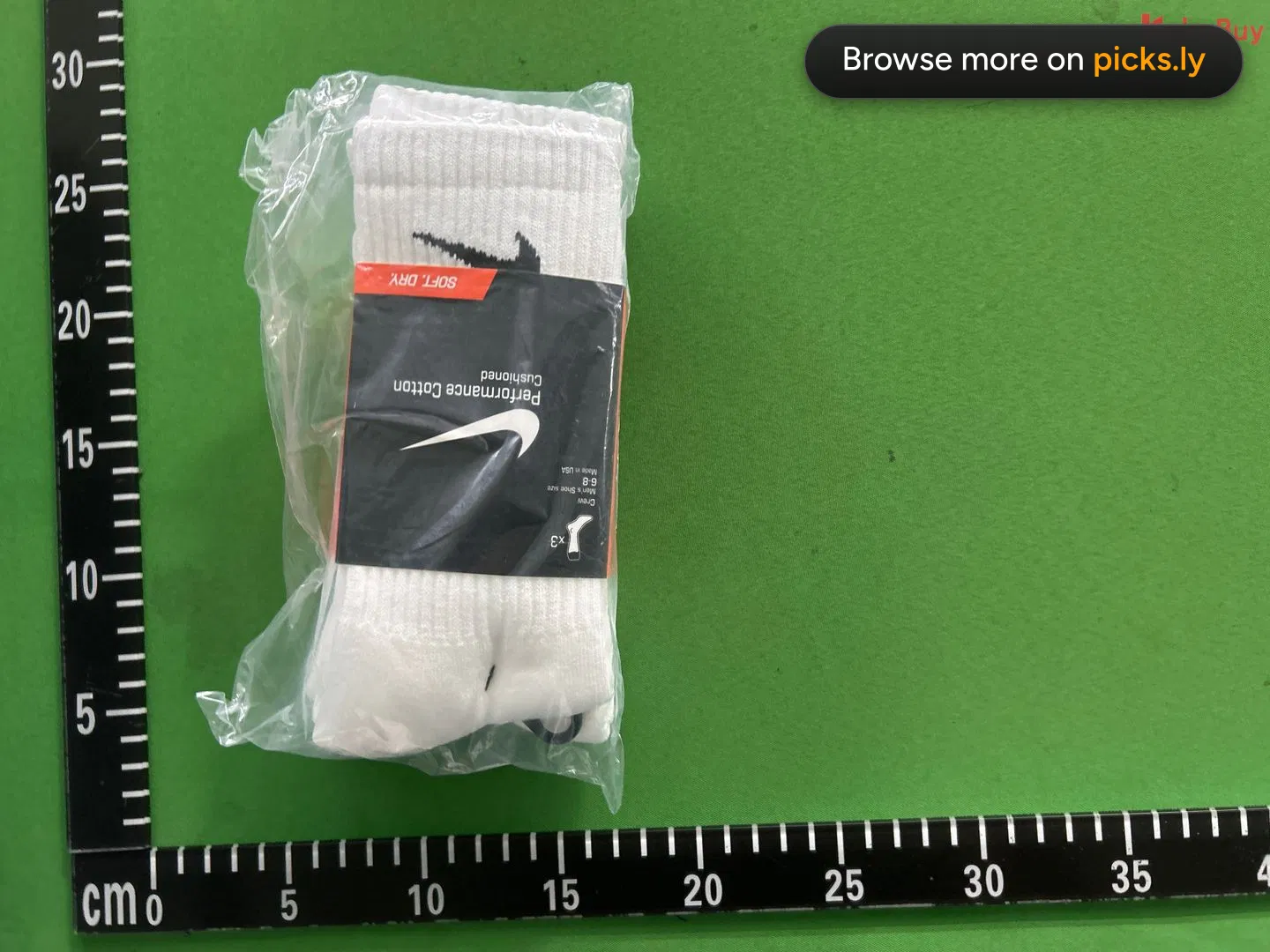
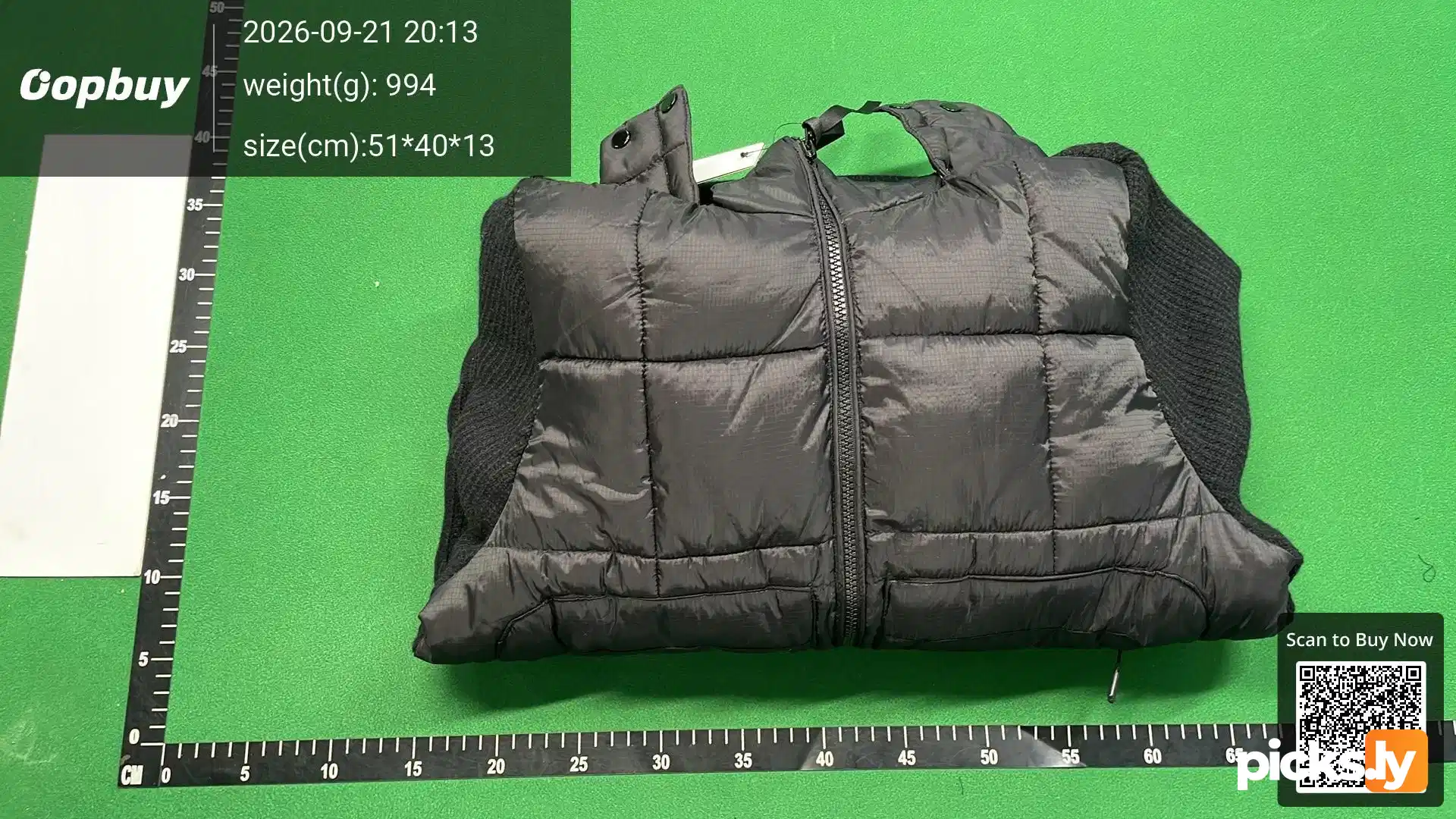
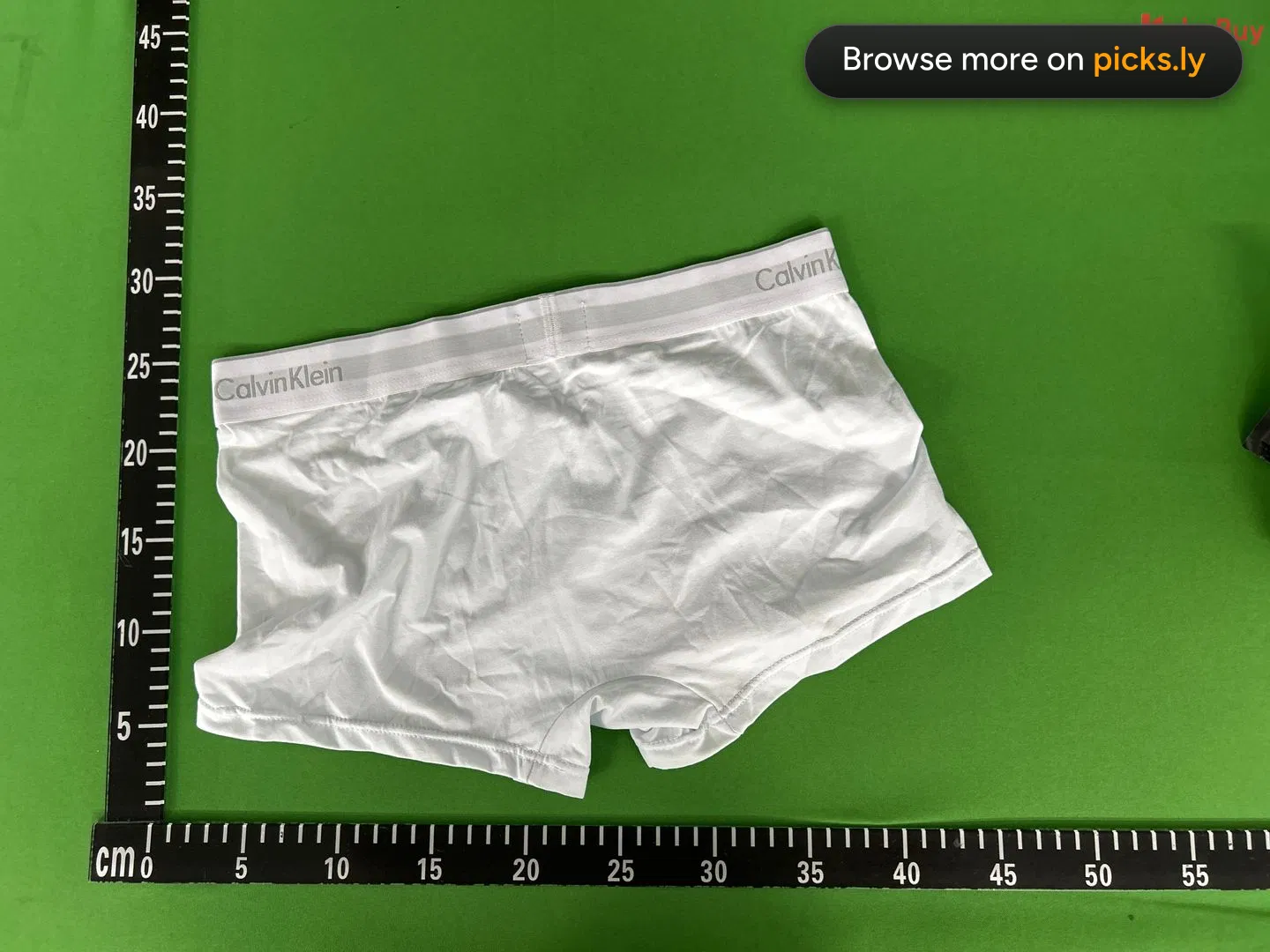
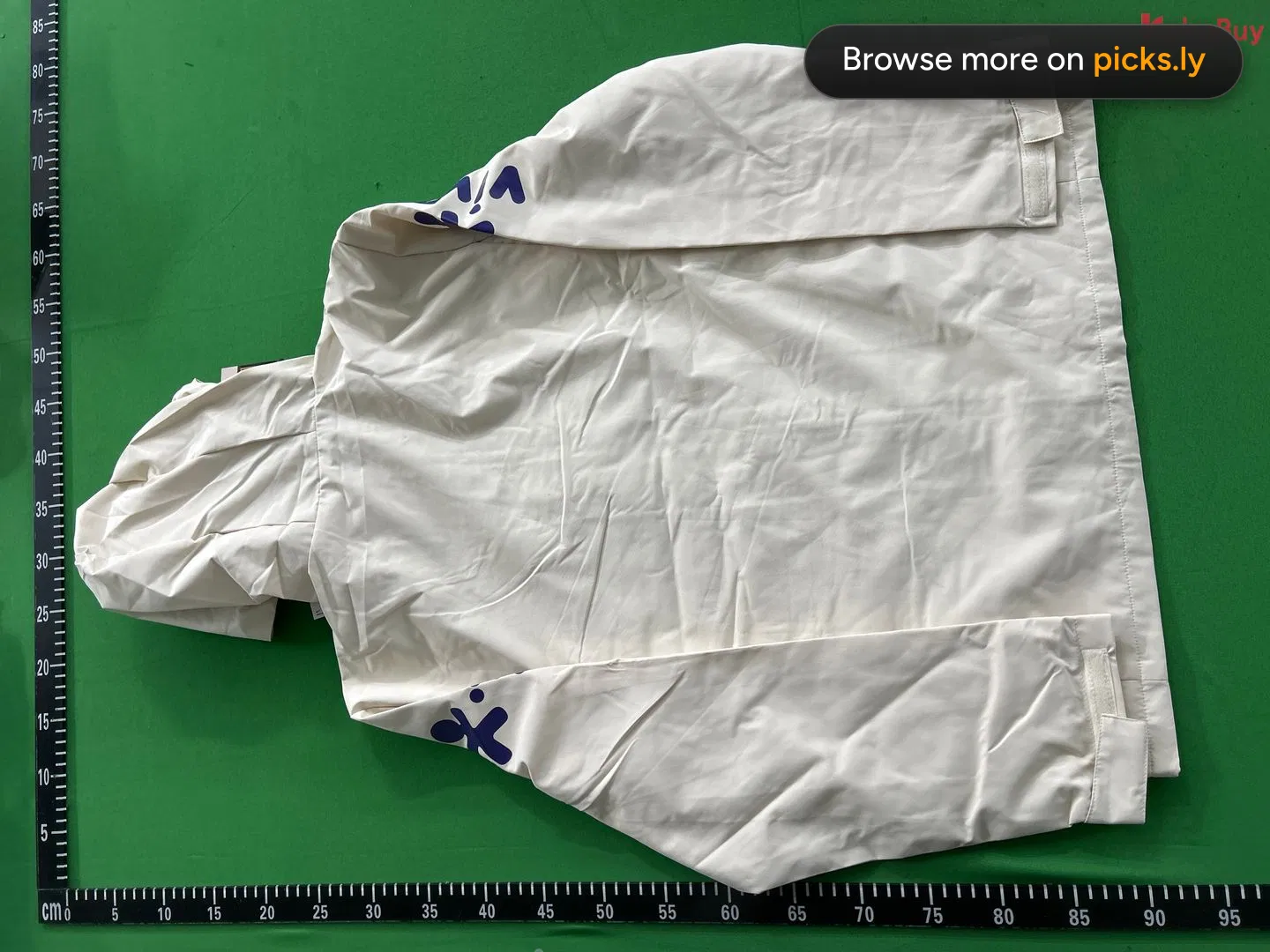
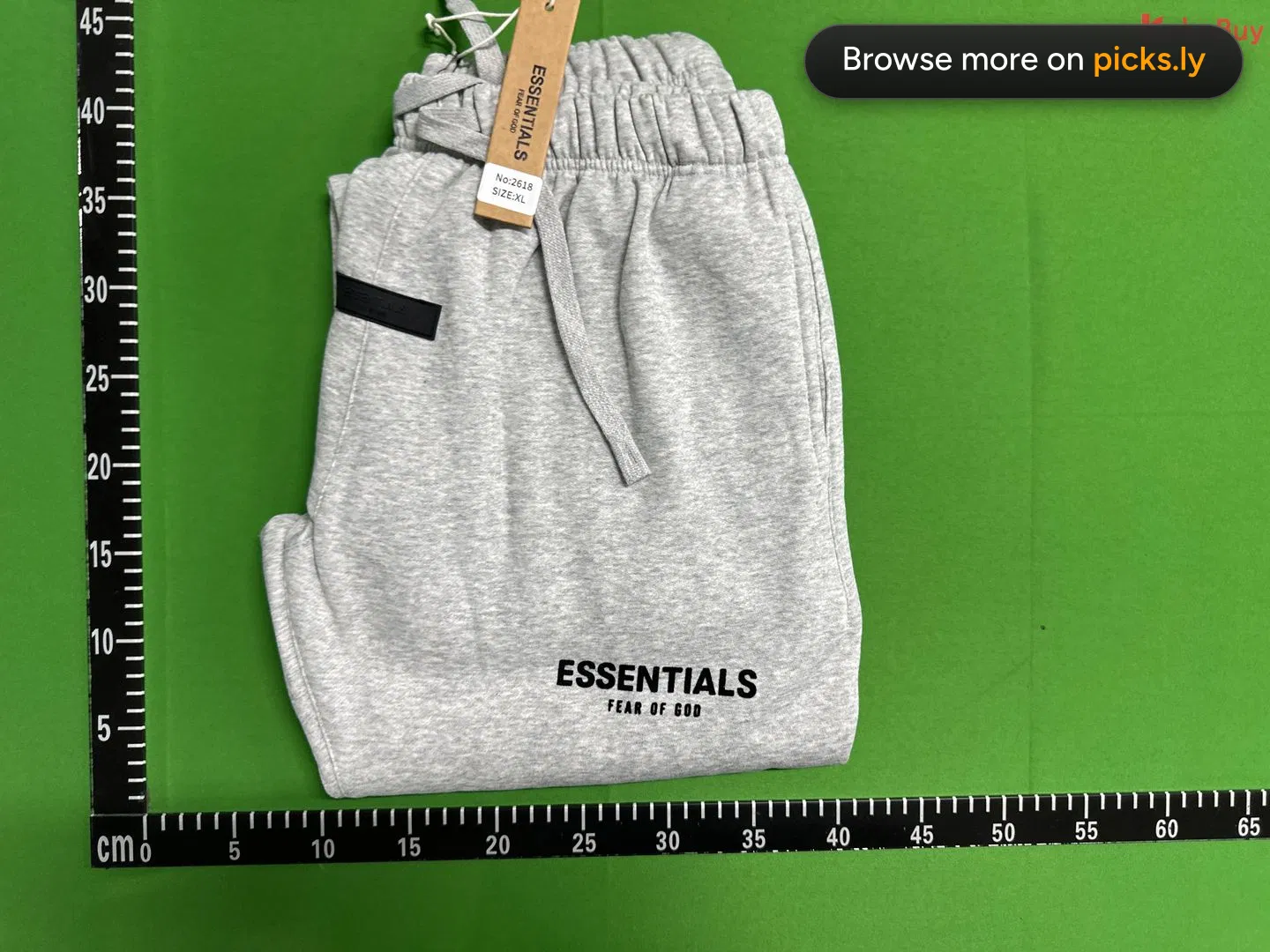
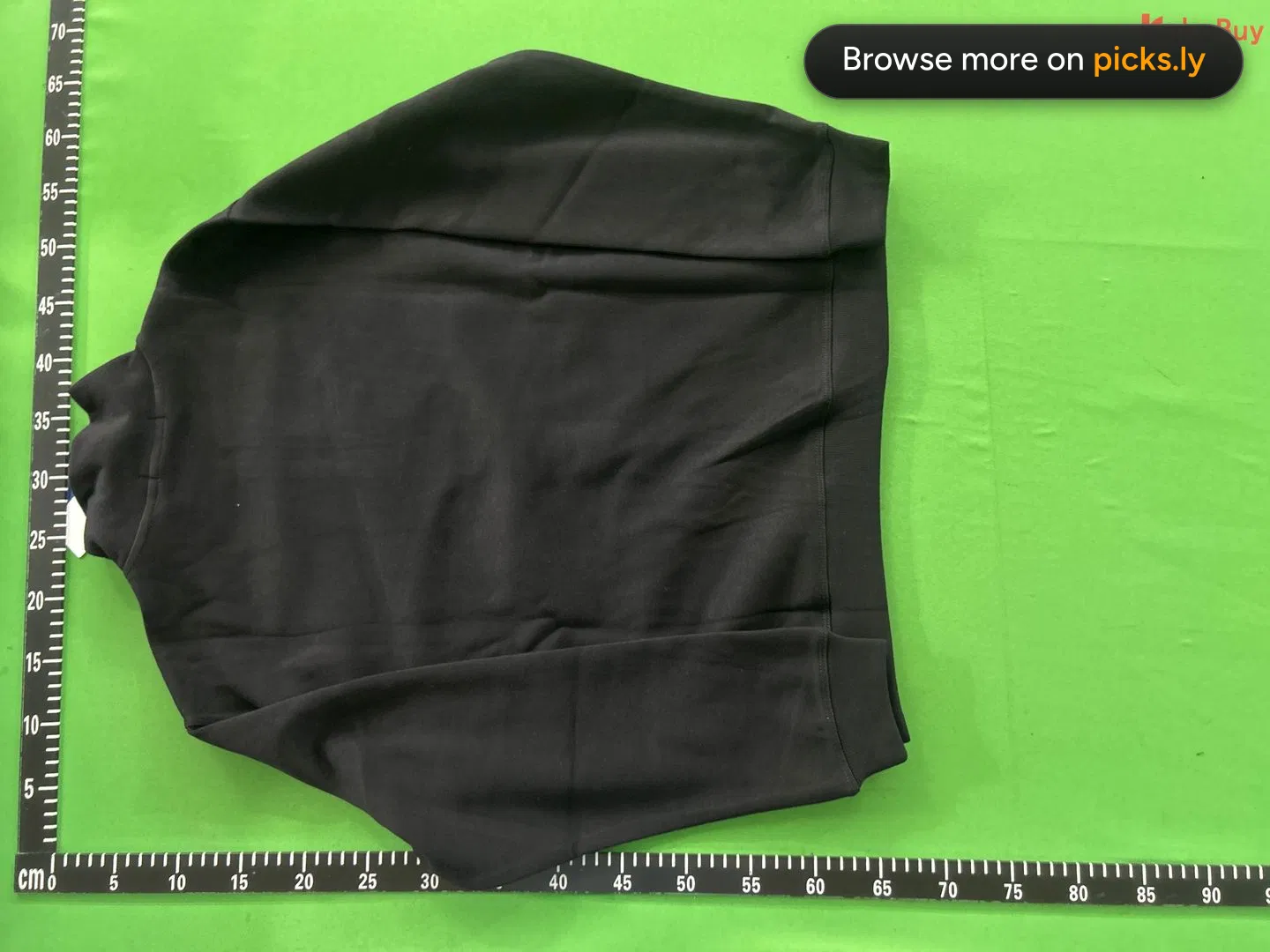
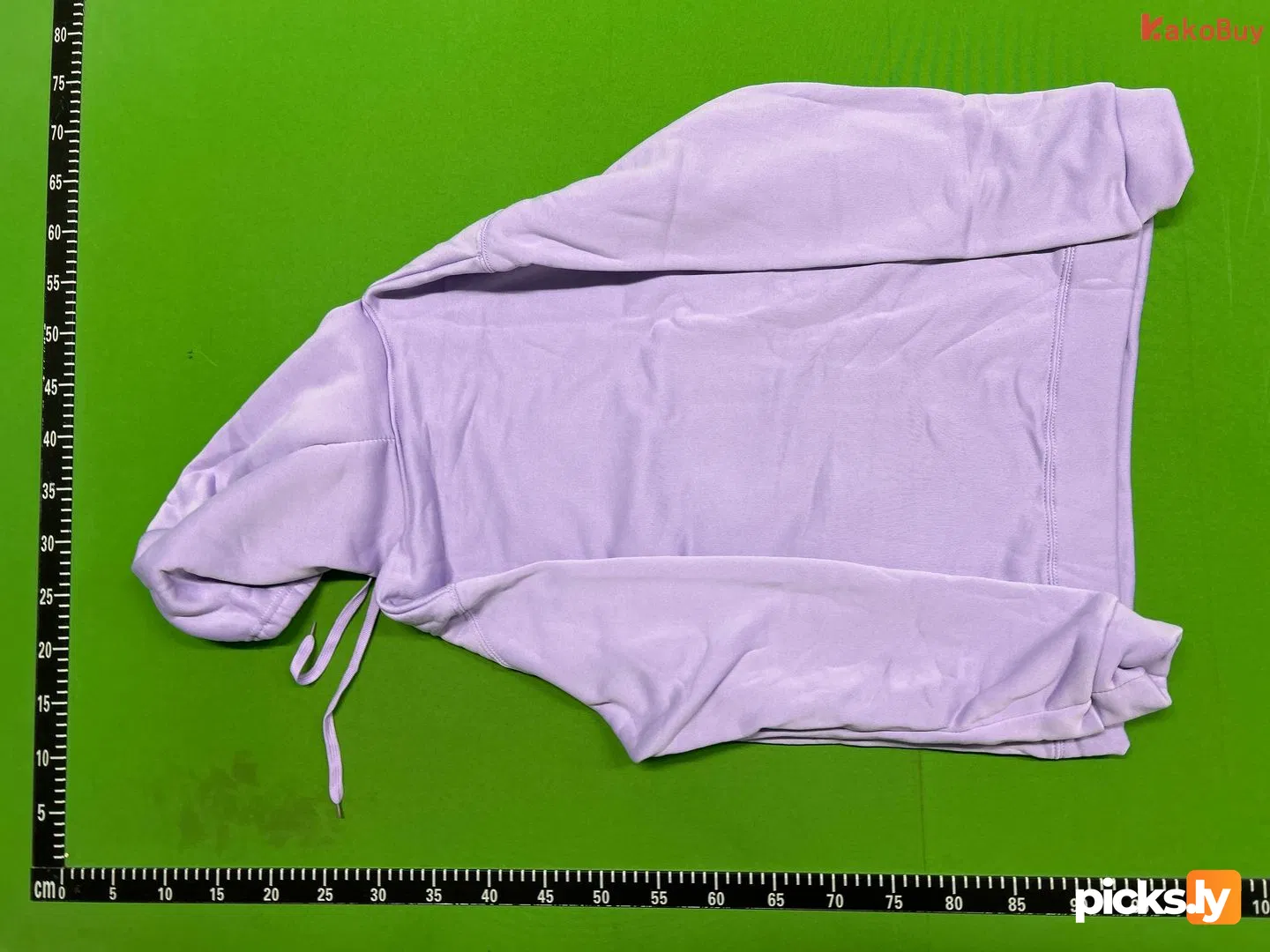
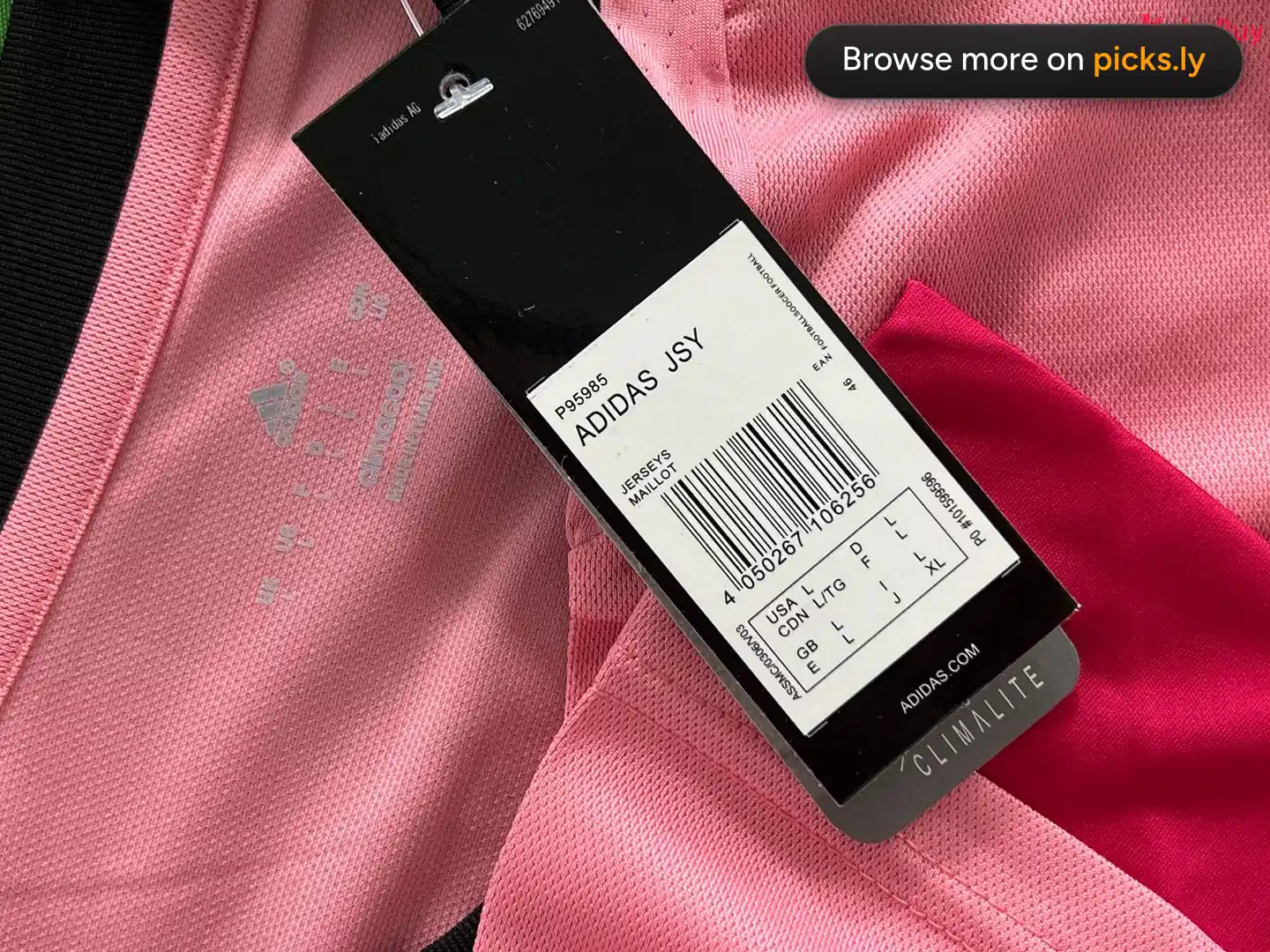
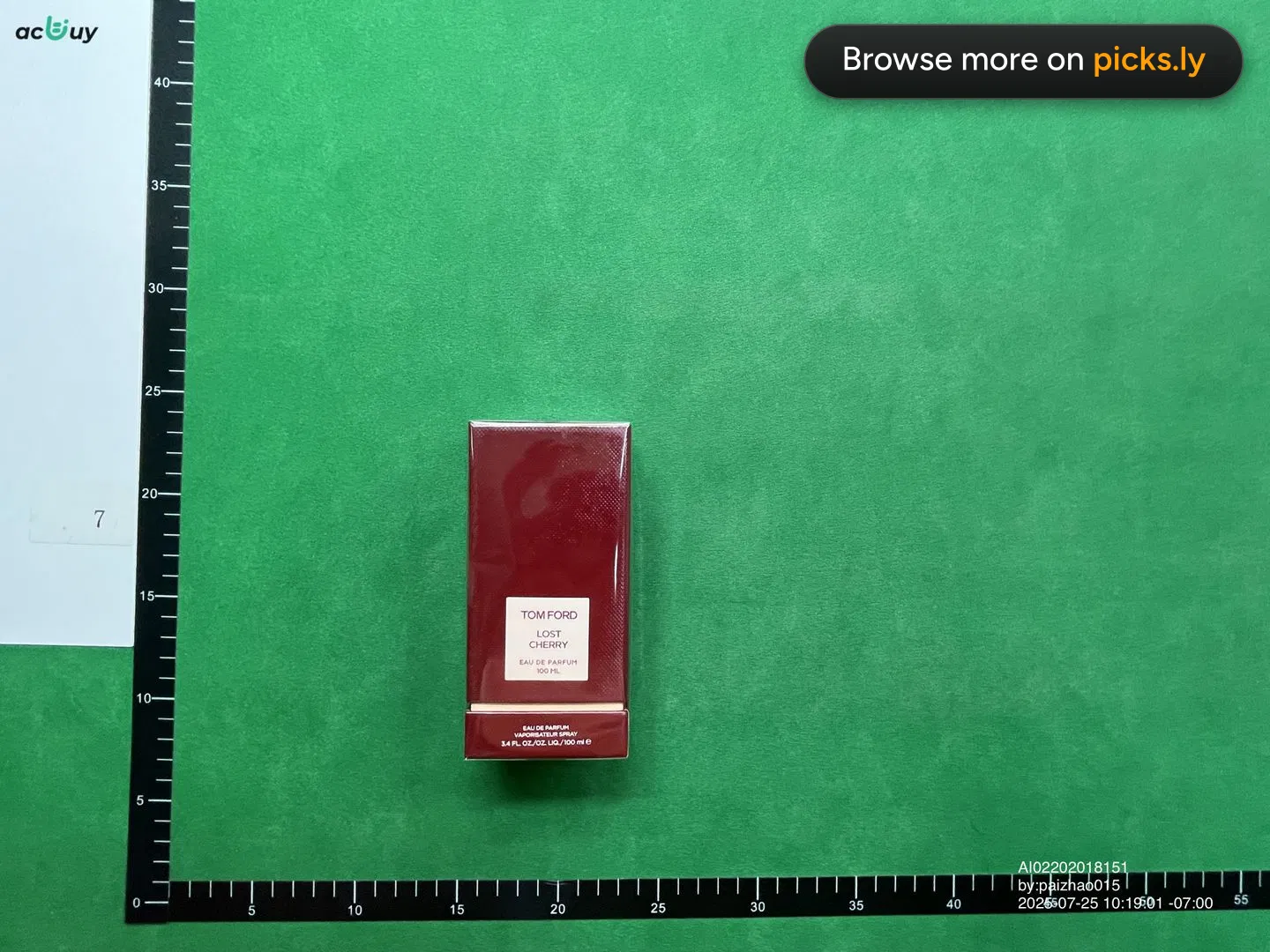
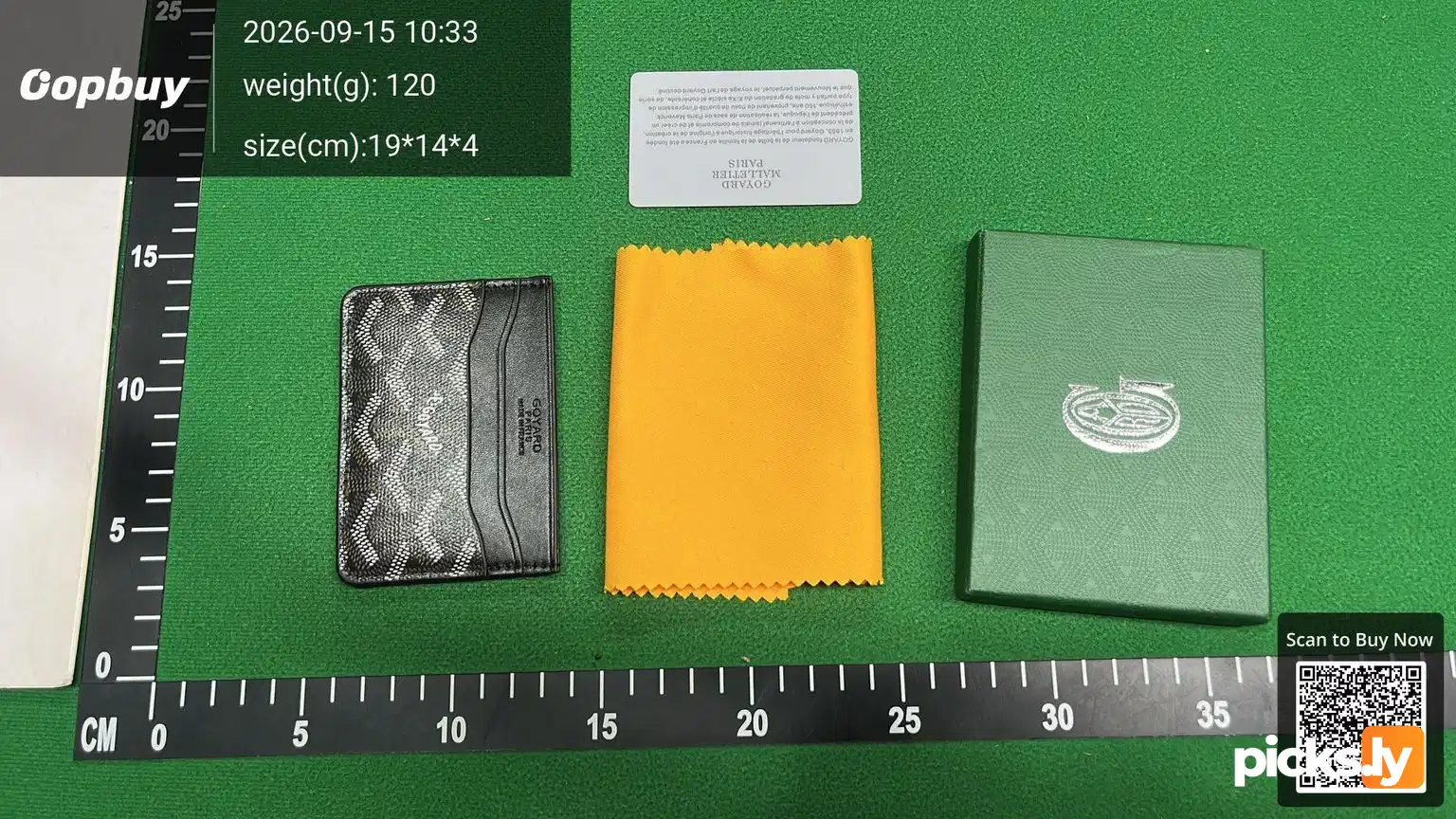
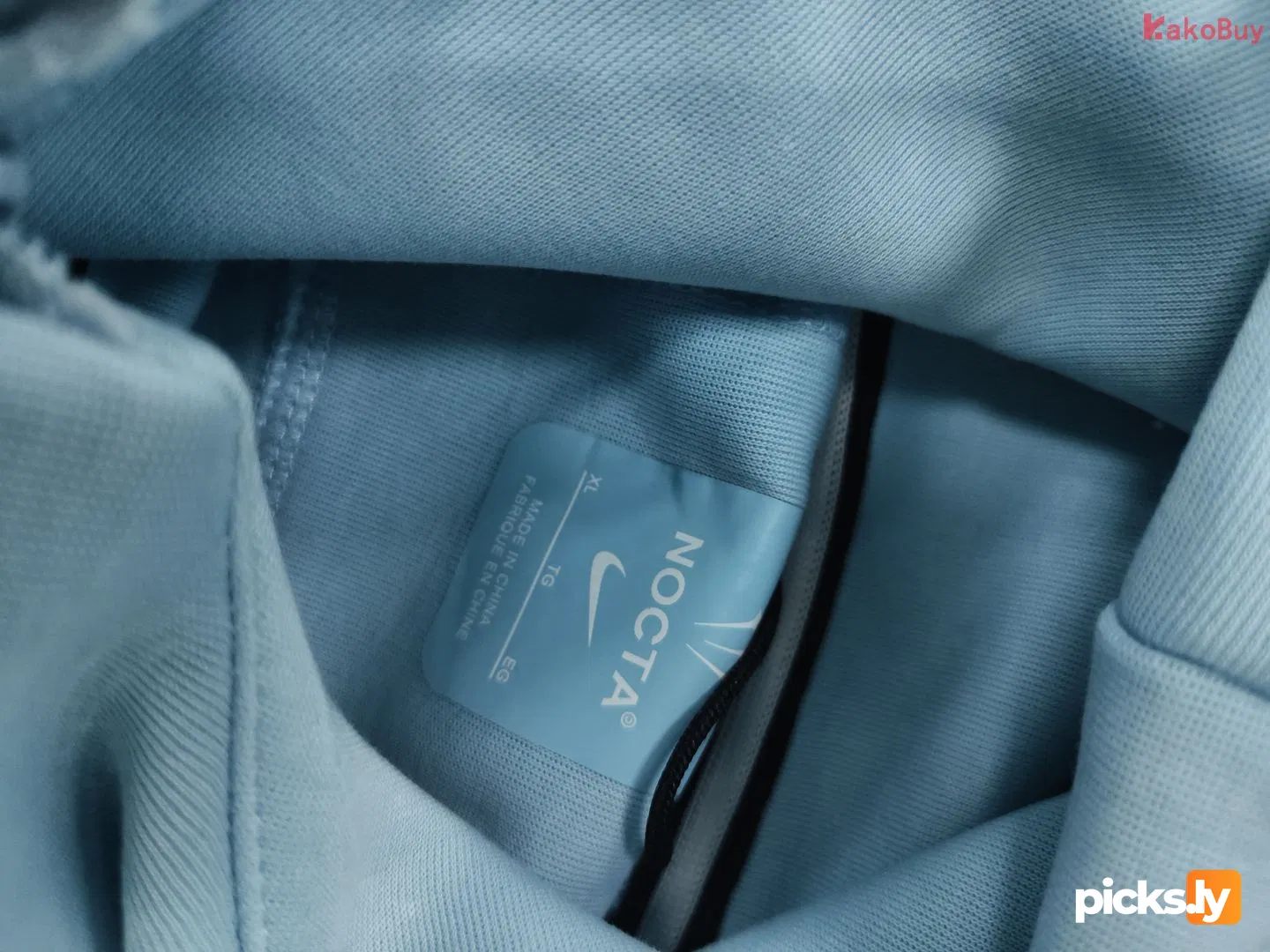
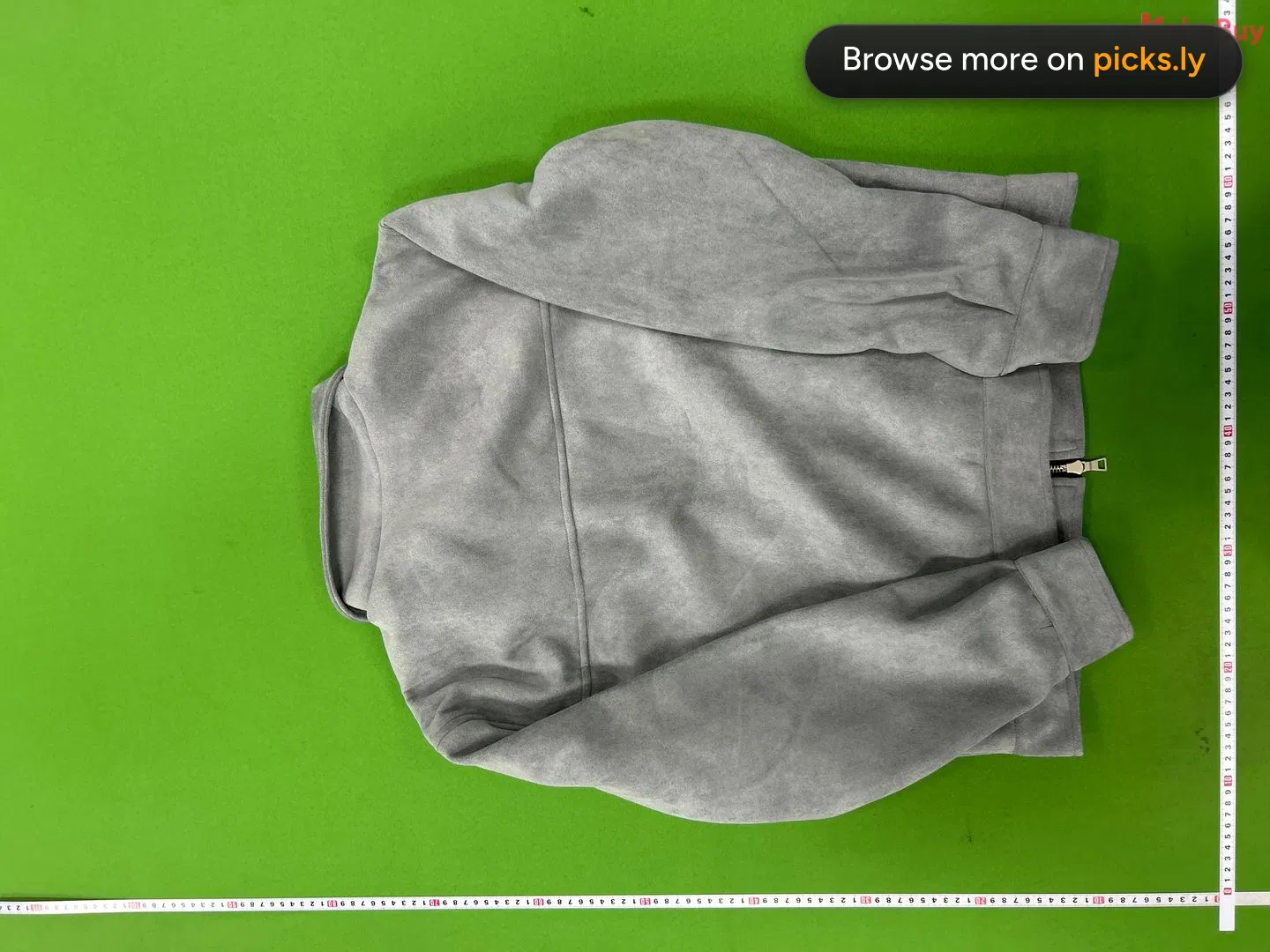
When someone orders through a shopping agent, the item is photographed in the agent's warehouse before it ships. QC Finder collects those photos per listing, so one link shows you what dozens of buyers received.
Copy the link
From your agent, Weidian, Taobao or 1688. The product page, where you'd pick a size.
Paste it above
The finder reads the listing out of any agent link, no converting needed.
Compare albums
Open a few. If they agree on tags, logo and colour, that's what the seller ships.
Why check QC photos before you buy
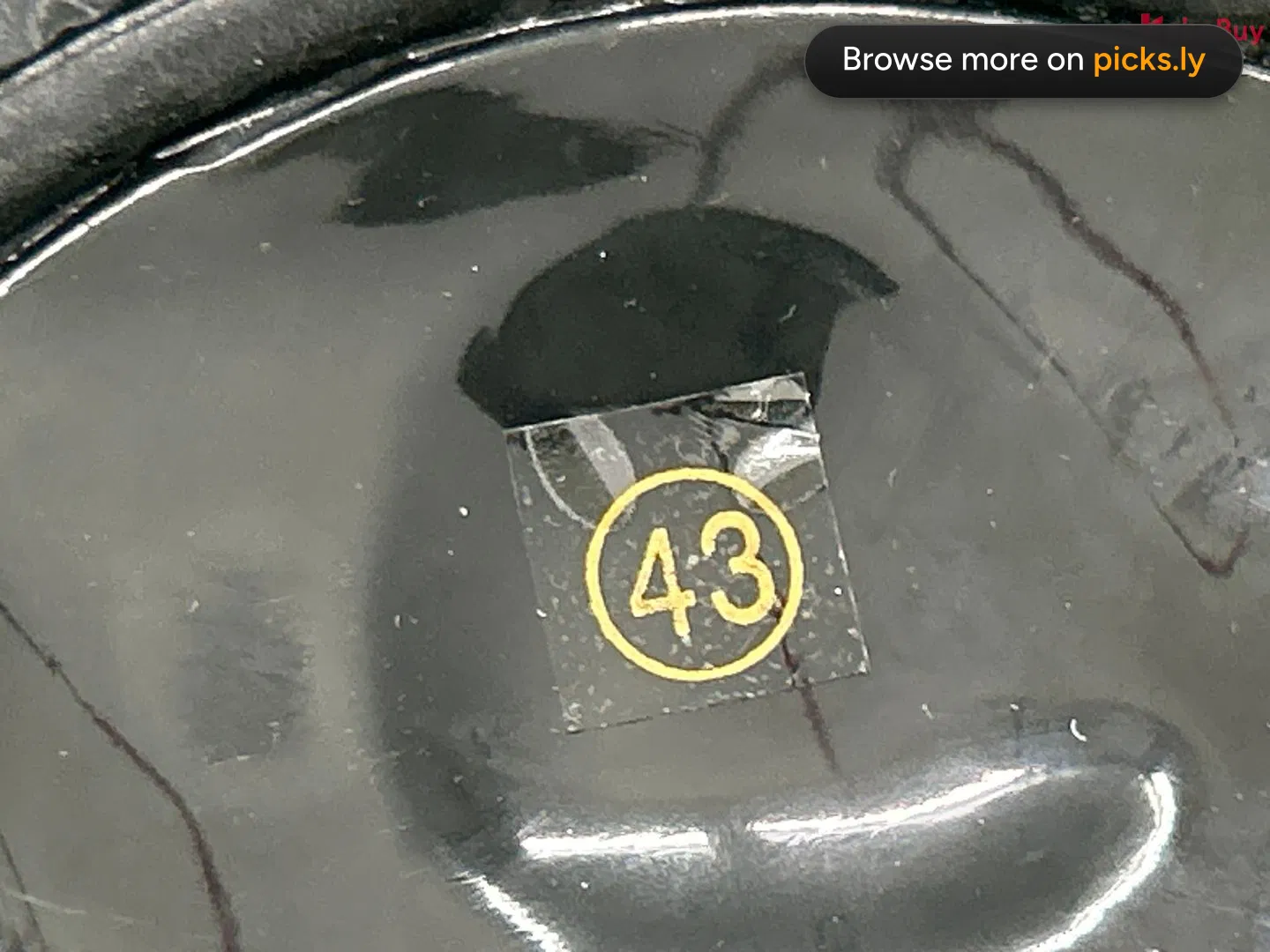
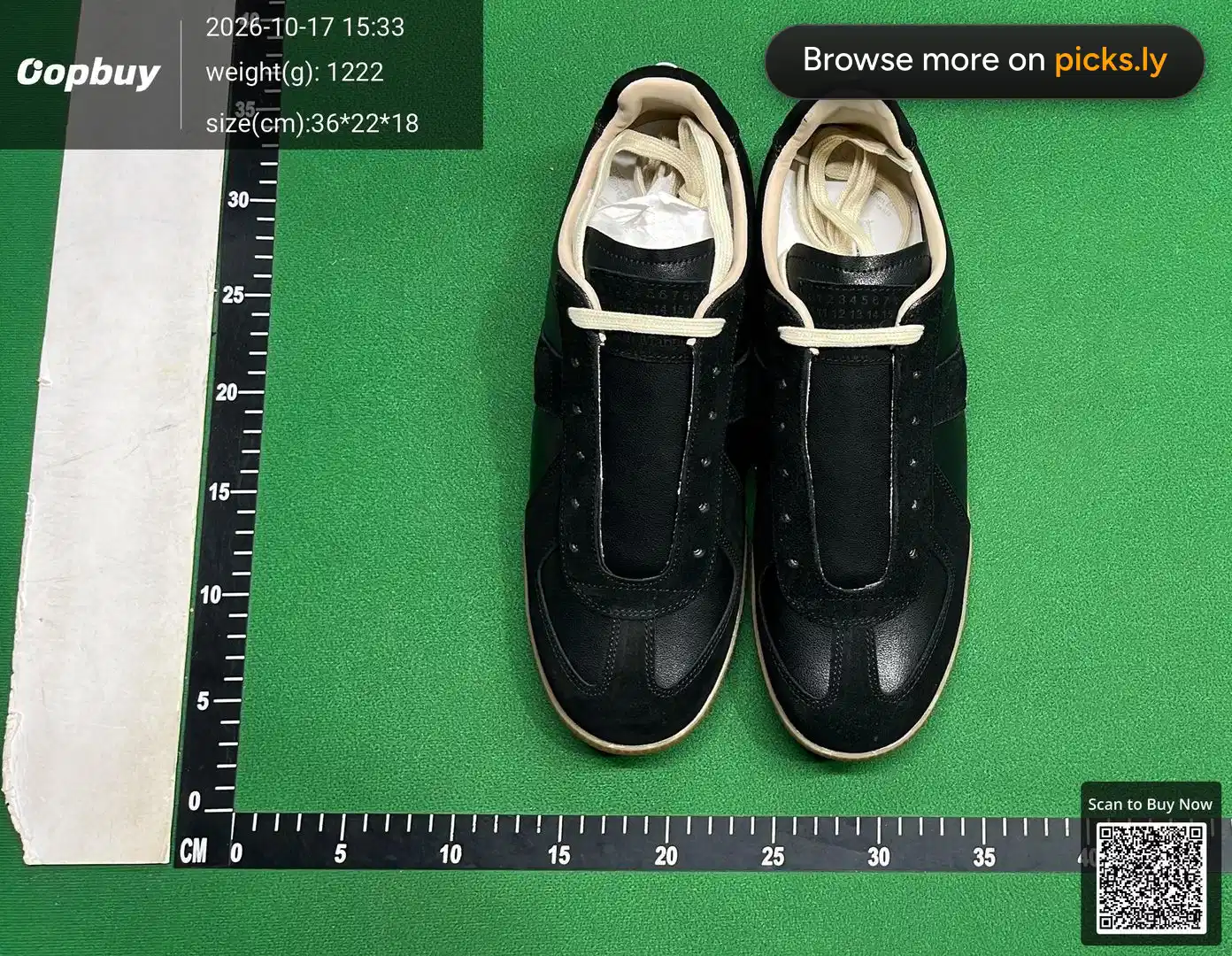
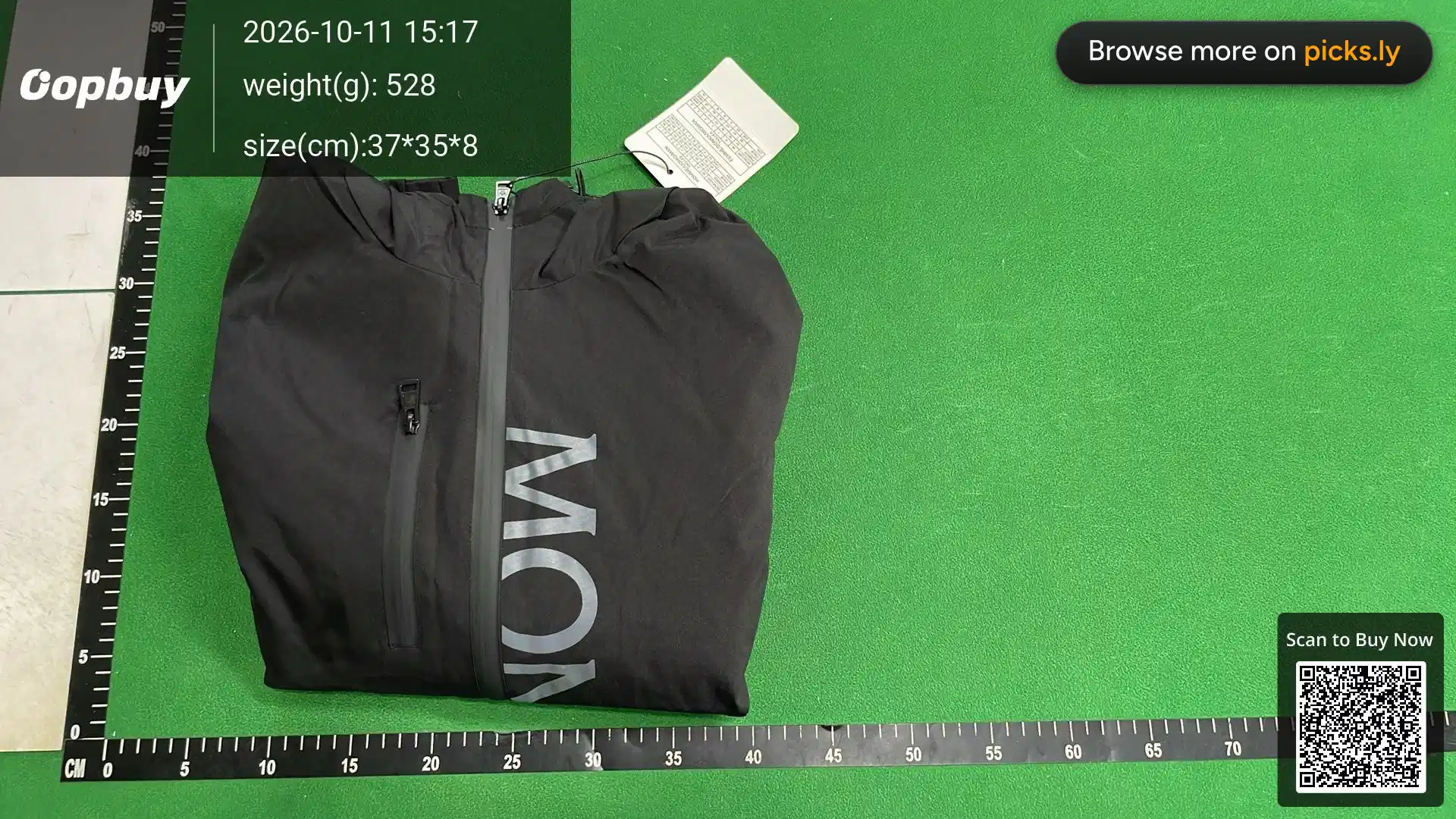
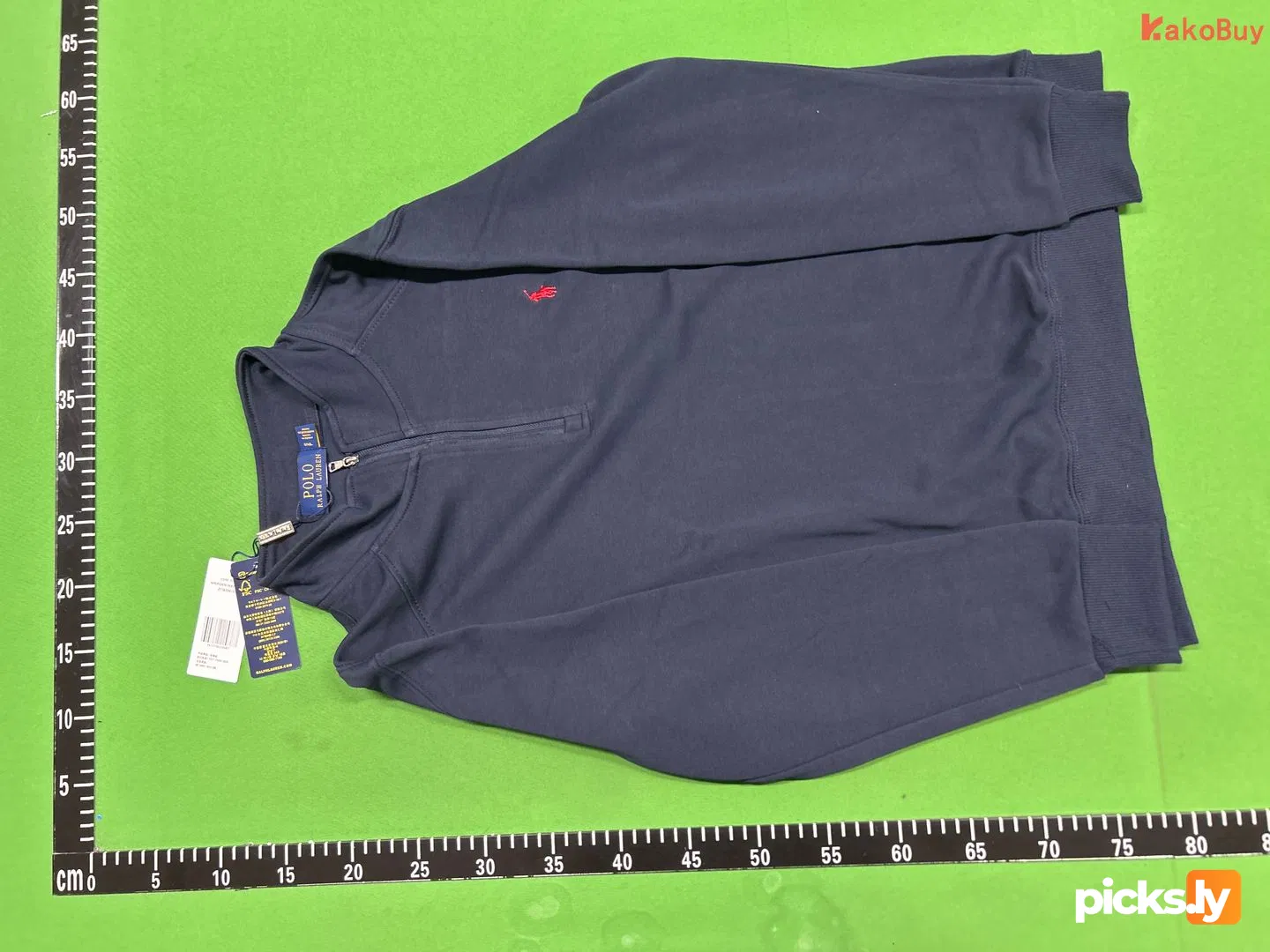
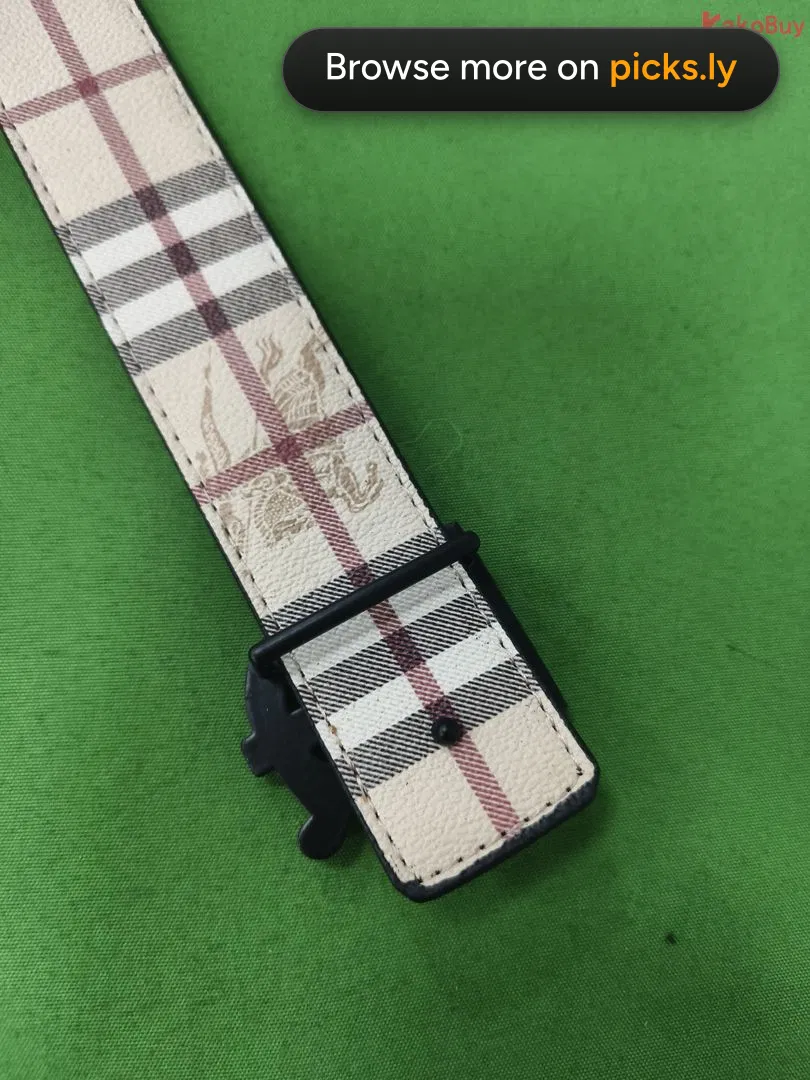
Seller photos show the best unit under studio light, and sometimes they're the brand's own pictures. QC photos are taken on a warehouse table under the same harsh light for everyone, usually with a tape measure next to the item. They show the colour, the tags, the logo placement and the real measurements of what the seller actually sends.
One album can be a fluke. Ten albums from different buyers that look the same are a pattern. That's what a QC finder is for: picking a seller who ships the batch you want, before your money is spent instead of after.
Once your own order reaches the warehouse, read our QC checklist and decide whether to GL or RL.
QC finder for every agent
Paste links straight from your agent. Each page shows what that agent's links look like and where to copy them.


Guides
All guidesKakoBuy coupons: $480 + codes
New KakoBuy accounts get $480 in coupons plus 10% and 15% off shipping, but only through our link. Plus two shipping codes.
What is a QC finder and how does it work?
Where the photos come from, which links work, and why they beat the seller's pictures.
How to find QC photos for any rep link
Copy the right link, paste it, read the albums. Plus fixes when a link doesn't work.
How to check QC photos: what to look at, item by item
A checklist for clothes, sneakers and bags, and how to read the tape measure.
QC finder questions
What is QC Finder?
QC Finder is a free tool that shows quality-control photos for a product link. Paste a Weidian, Taobao, 1688 or shopping agent link and it shows the warehouse photos agents took when other people ordered the same listing.
Which links does the QC finder accept?
Weidian, Taobao, Tmall and 1688 product links, plus product links from 38 agents including KakoBuy, ZentBuy, Hipobuy, Oopbuy, ACBuy, USFans and Sugargoo. Agent links are converted automatically.
Do I need an account?
No. Searching is free and there's no sign-up. You only need an agent account when you decide to buy.
Where do the QC photos come from?
From shopping agents' warehouses in China. Agents photograph each item when it arrives, before it ships to the buyer. QC Finder groups those photos by listing so you can see them before you order.
Why does my link show no QC photos?
Nobody has bought that exact listing through a tracked agent yet, or it was listed very recently. Try another seller's listing of the same item; popular products are sold by many sellers.
Which agent should I buy with?
Any agent works with QC Finder. If you're picking one, KakoBuy has the best deal for new accounts: sign up through our link for $480 in coupons, 10% off shipping and 15% off shipping. When you pay for shipping, code peter20 takes 20% off and code peter takes $16 off.
Are the photos of the exact item I'll receive?
No, they're of earlier orders from the same listing. They show what the seller has been shipping, which is the best guide you can get before buying. Check your own QC photos when your item reaches the warehouse.