How to find QC photos for any rep link
Updated , 4 min read
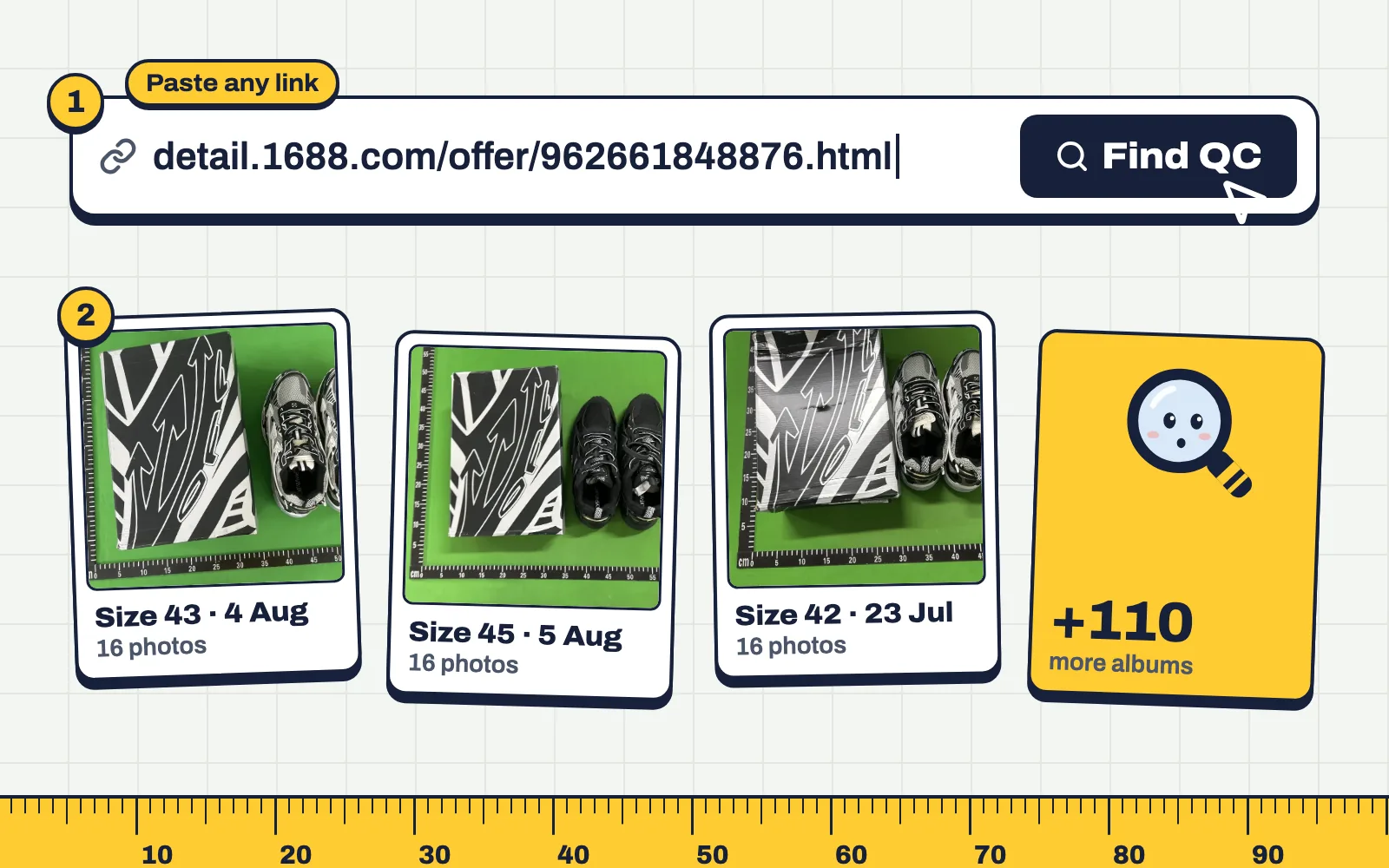
Finding QC photos takes about ten seconds once you know which link to copy. Here's the whole process, and what to do when the finder says it can't read your link.
Step 1: get the product link
You need the link to the product page itself, the page where you'd pick a size and add to cart.
- On an agent site (KakoBuy, Oopbuy, ACBuy and so on), copy the address from the browser bar while you're on the product page. In an agent's app, use Share and then Copy link.
- On Weidian, the link looks like weidian.com/item.html?itemID=1234567890. The number is what matters.
- On Taobao or Tmall, use the link with ?id= followed by a long number. The app's share text has a lot of Chinese characters around the link; paste all of it, the finder picks the link out.
- On 1688, the link looks like detail.1688.com/offer/123456789.html.
Step 2: paste it into the search box
Go to the QC Finder homepage and paste the link. Press Find QC. The finder works out the marketplace and the listing number, then pulls every QC album it has for that listing.
Step 3: read more than one album
Albums are shown newest first. Open at least three. You're looking for agreement: same logo shape, same tag, same colour, similar measurements. One odd album can be a different colour or a mix-up; five that agree tell you what the seller ships.
When the link doesn't work
- "We couldn't read that link." It's probably a short link (like a share link from an app) or a Yupoo page. Open it in a browser, wait for the real product page, and copy that address instead.
- Yupoo albums. Yupoo is a photo catalogue, not a shop. Look in the album's description for a Weidian or Taobao link and paste that.
- Spreadsheet links. Most spreadsheets link through a redirect. Click through to the agent page and copy the link from there.
- "No QC photos yet." The link is fine, but nobody has bought it through a tracked agent yet. Popular items usually have many sellers; try another listing of the same item.
Agent-specific tips
Every agent formats its links a little differently. If you mostly use one agent, its page shows exactly which link to copy: KakoBuy, ZentBuy, Hipobuy, Oopbuy, or see all agents.
Questions
Do I need to convert my agent link first?
No. Paste the agent link as it is. QC Finder converts it to the marketplace listing on its own.
Does it work on my phone?
Yes. Copy the link in your agent's app or browser, open qc-finder.net and paste it into the search box.
Why are there no QC photos for my item?
Nobody has ordered that exact listing through a tracked agent yet, or it's very new. Try another seller's listing of the same item.