How to buy from Yupoo
Updated , 1 min read
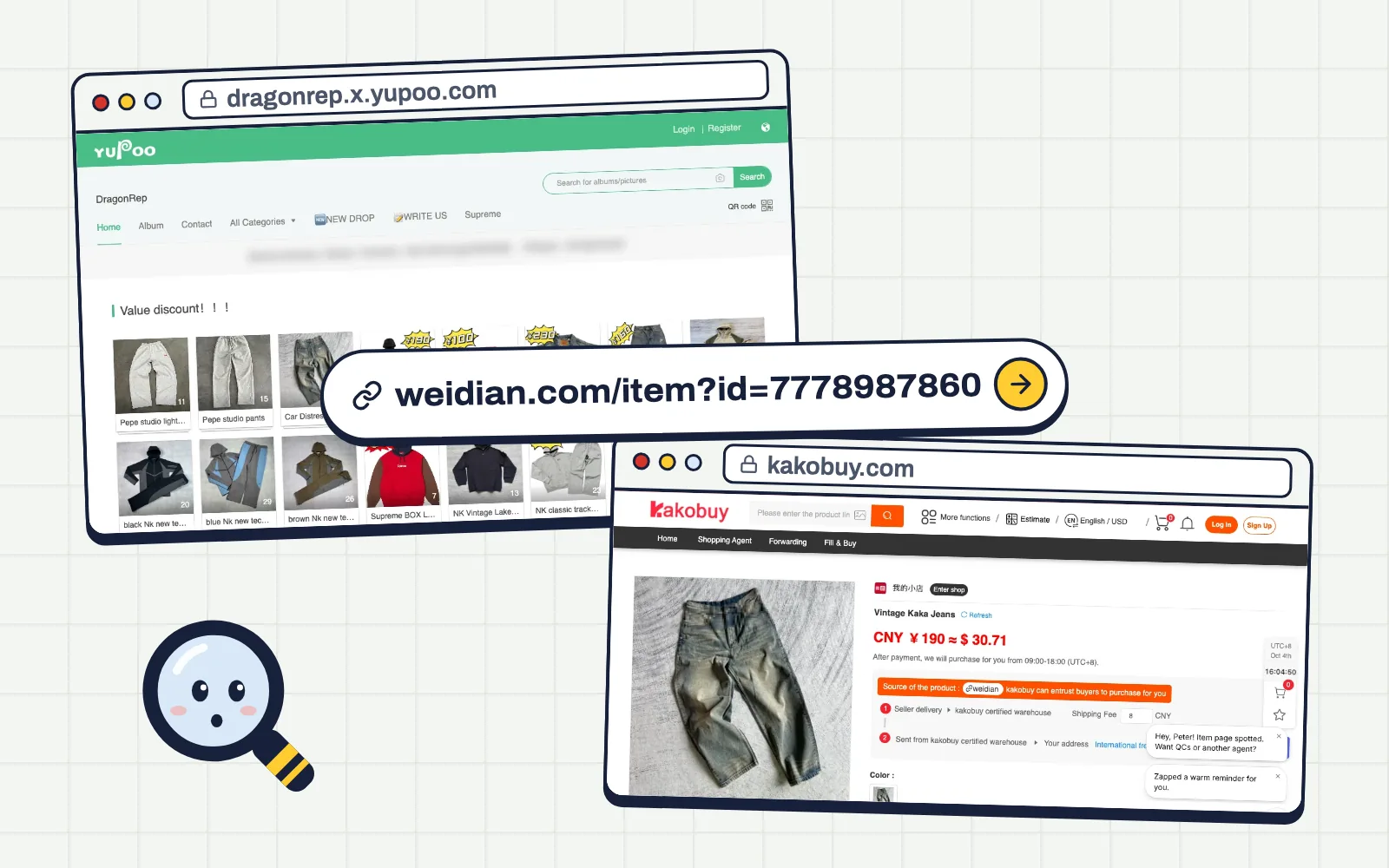
Yupoo is where sellers show their catalogues. You can't buy there directly, but every item links to the store you buy from through  KakoBuy.
1. Open a seller's Yupoo
Pick a seller from our trusted sellers and open their Yupoo. Some stores ask for a password; it's listed next to the seller.
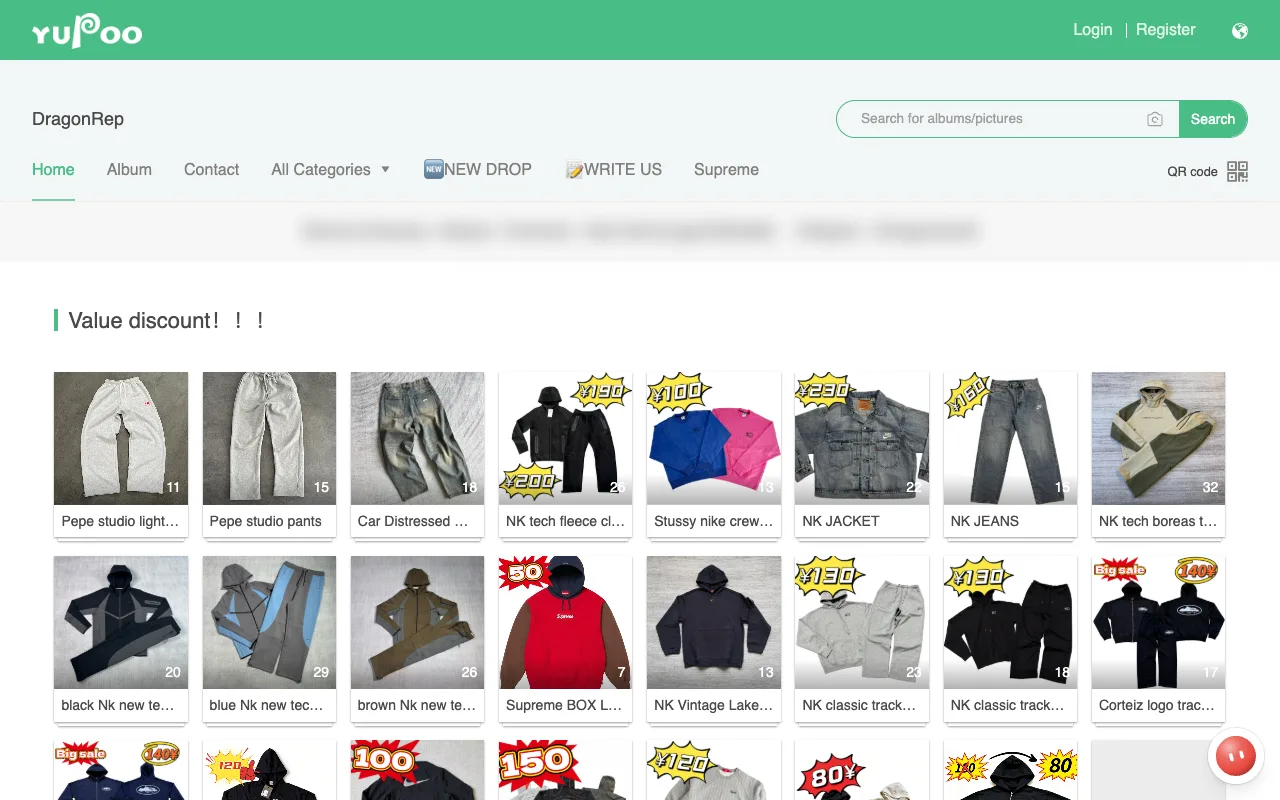
2. Open the item
Click the album you like. Its description has the item's Weidian (or Taobao) link.
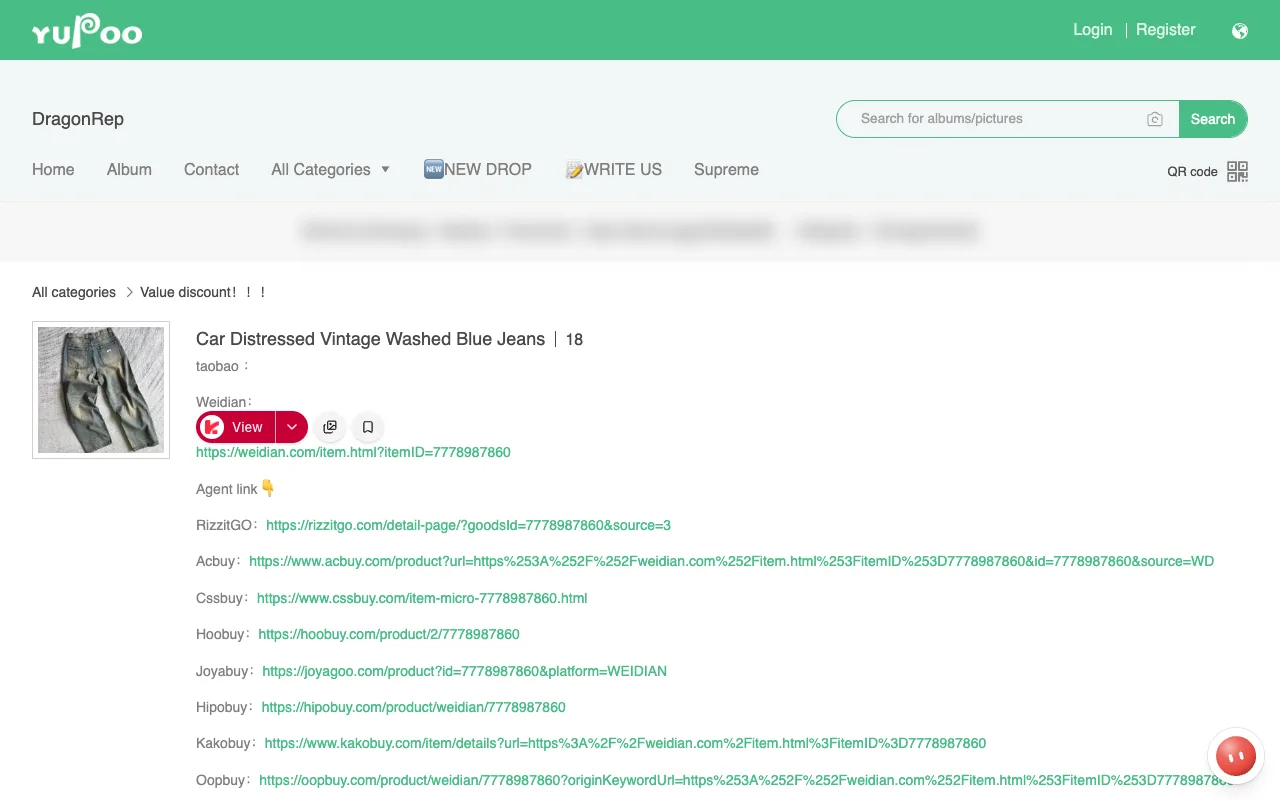
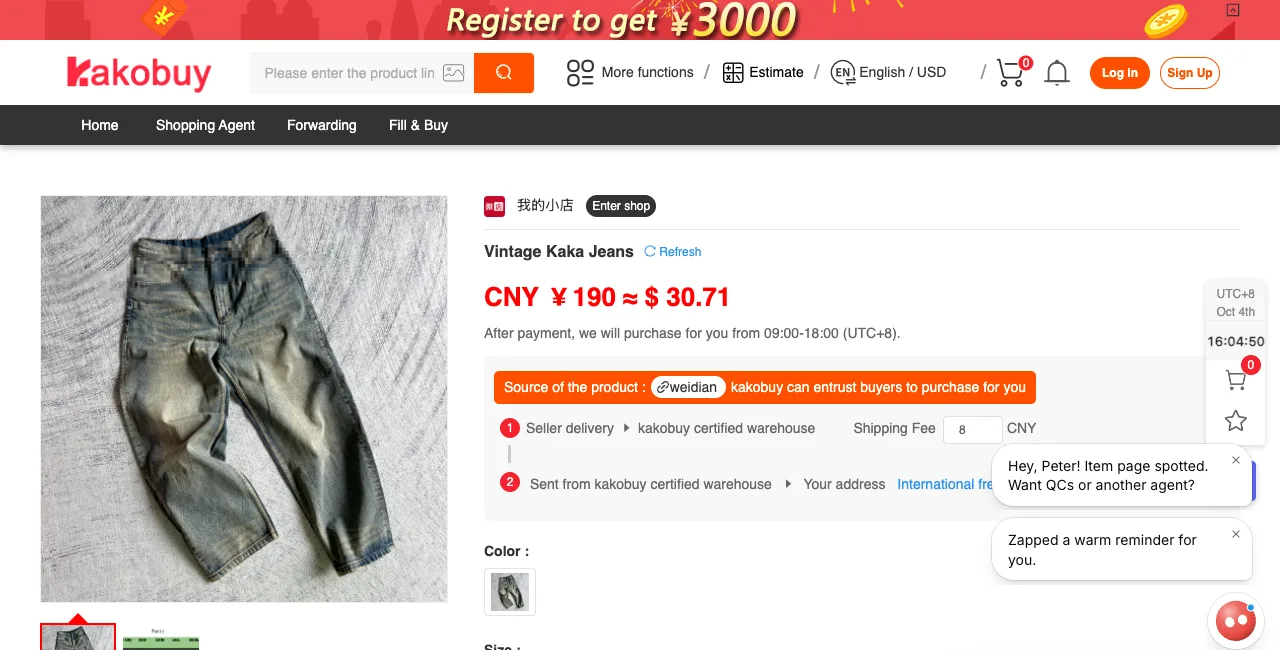
3. Copy the link into KakoBuy
Copy the Weidian link and paste it into the KakoBuy search bar.
⚡ Faster: with our Repcentral extension: Agent Buddy extension you get a View button next to every link on Yupoo. One click opens the item on KakoBuy, already converted.
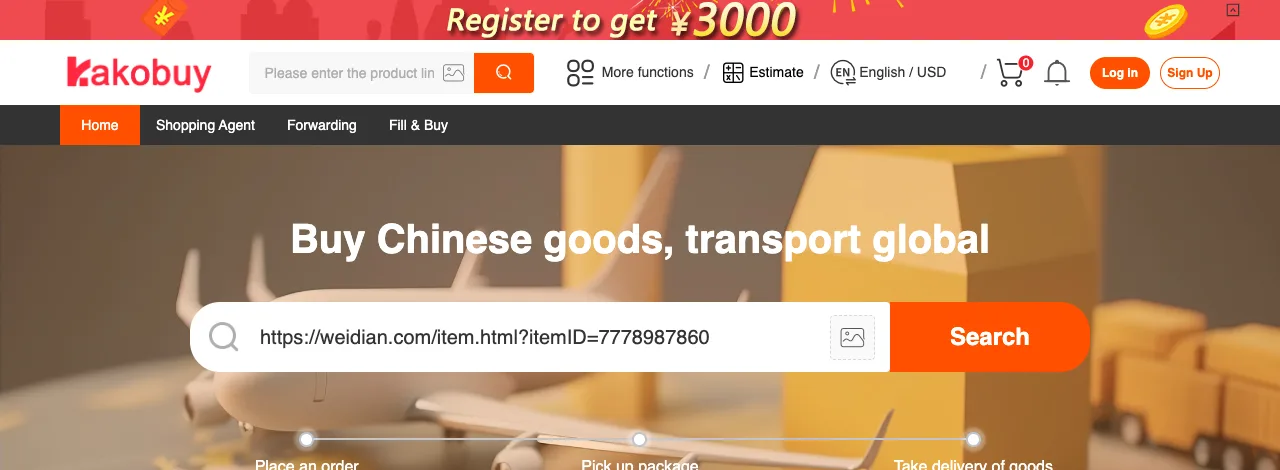
4. Wait for the item to load
KakoBuy fetches the item from the store, which can take a few seconds. Then pick your color and size and add it to your cart.
Next steps (paying, QC, shipping): How to buy from China?
 QC Finder