Loongbuy QC Finder
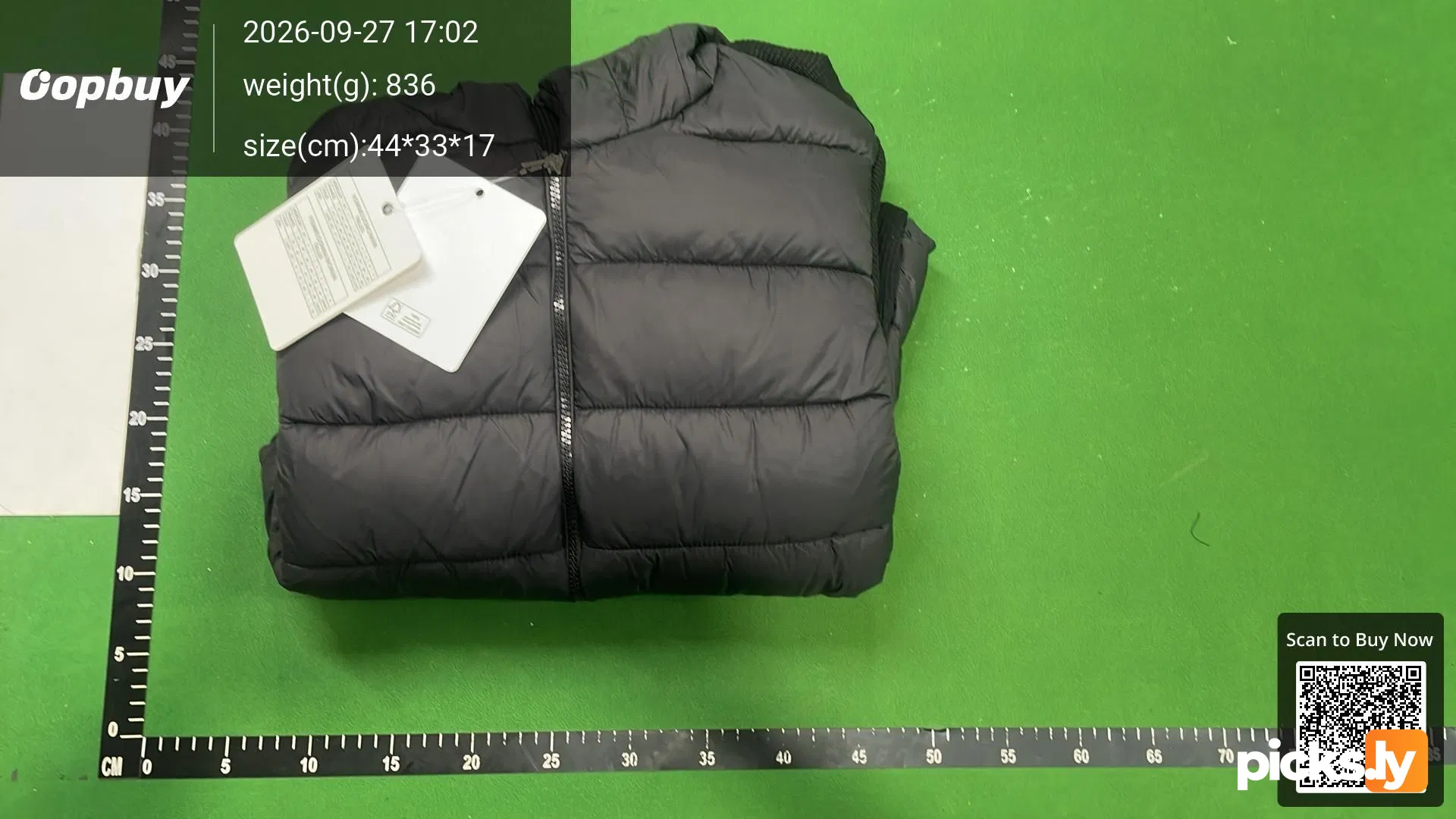
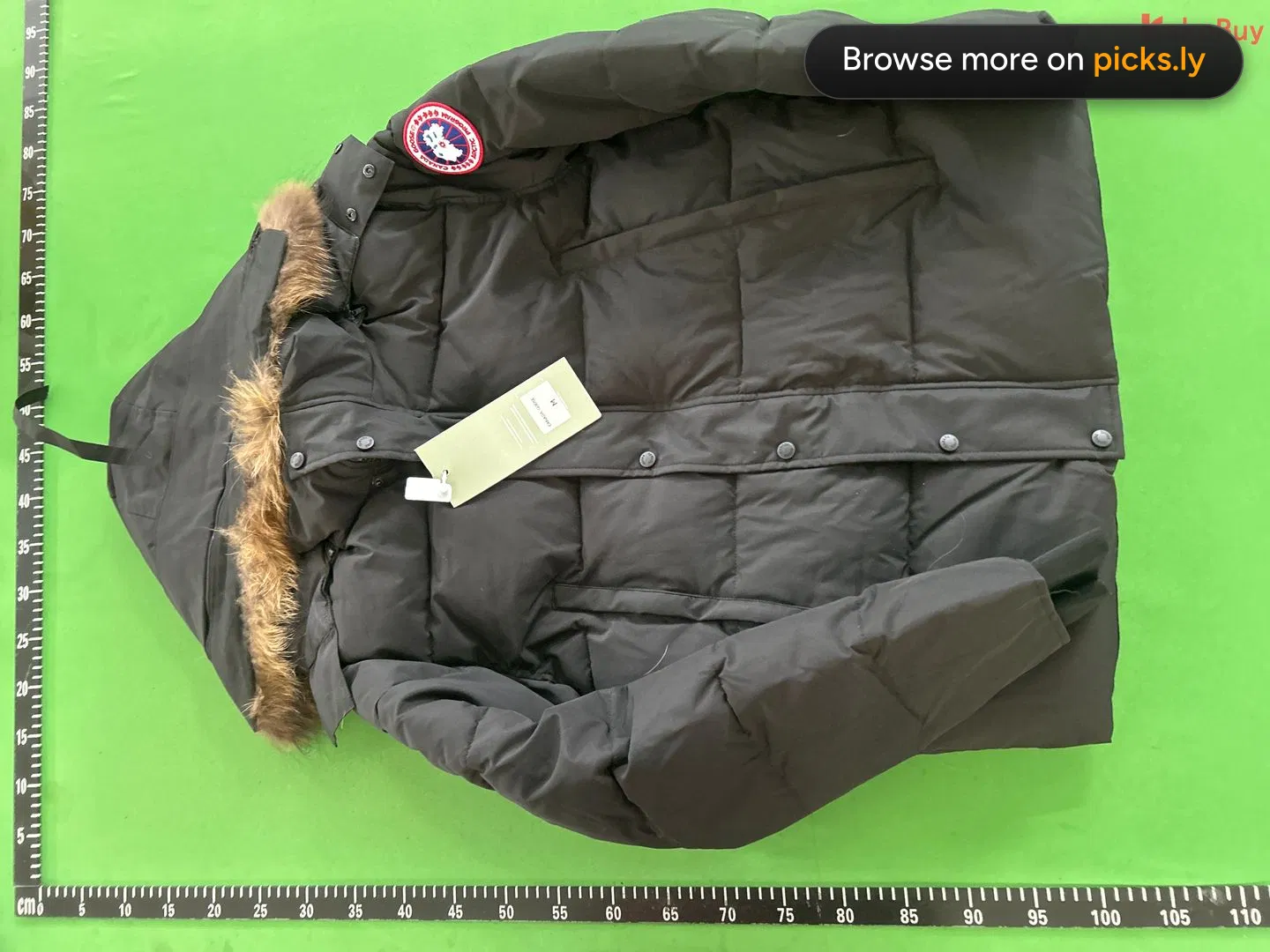
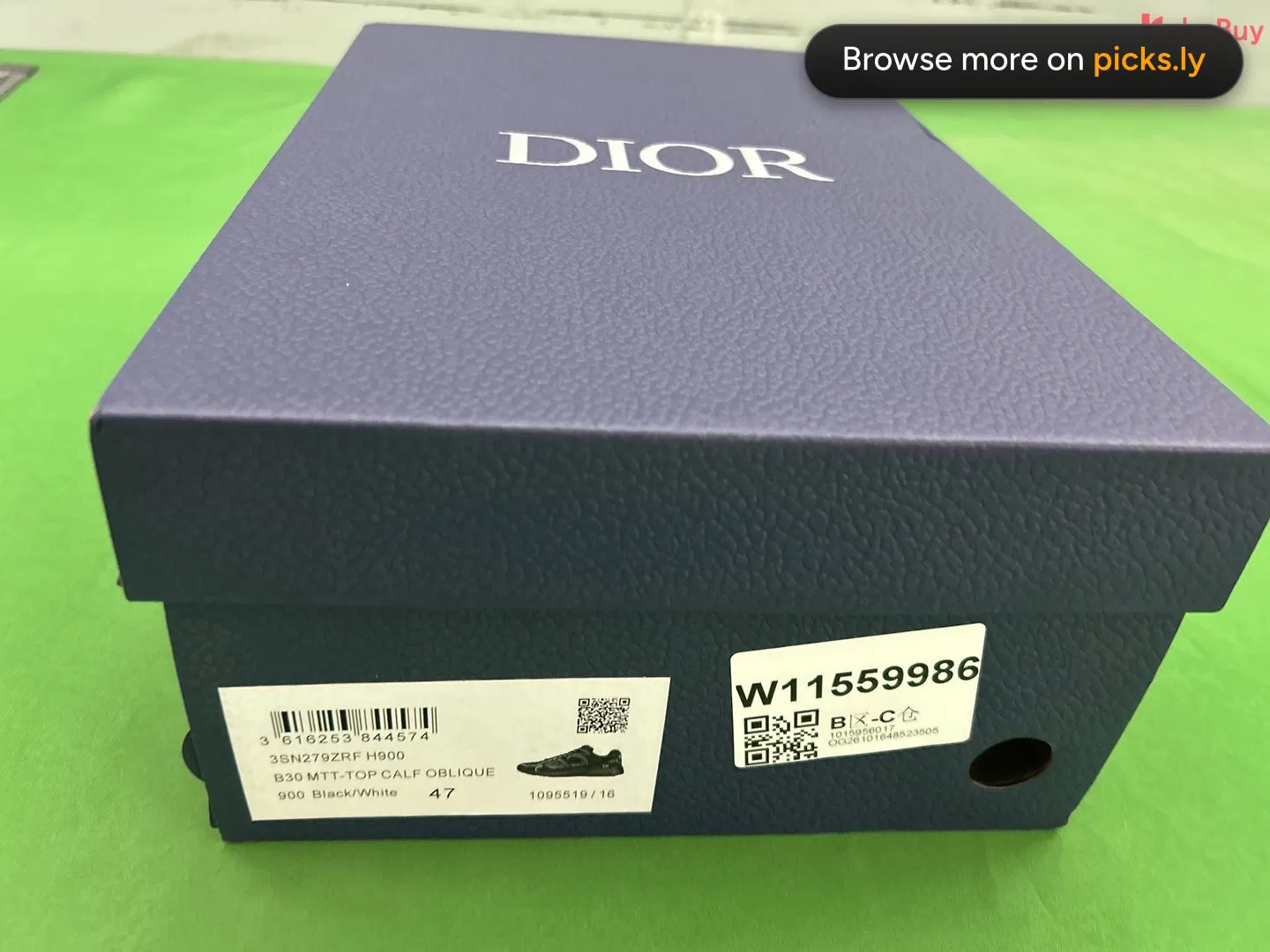
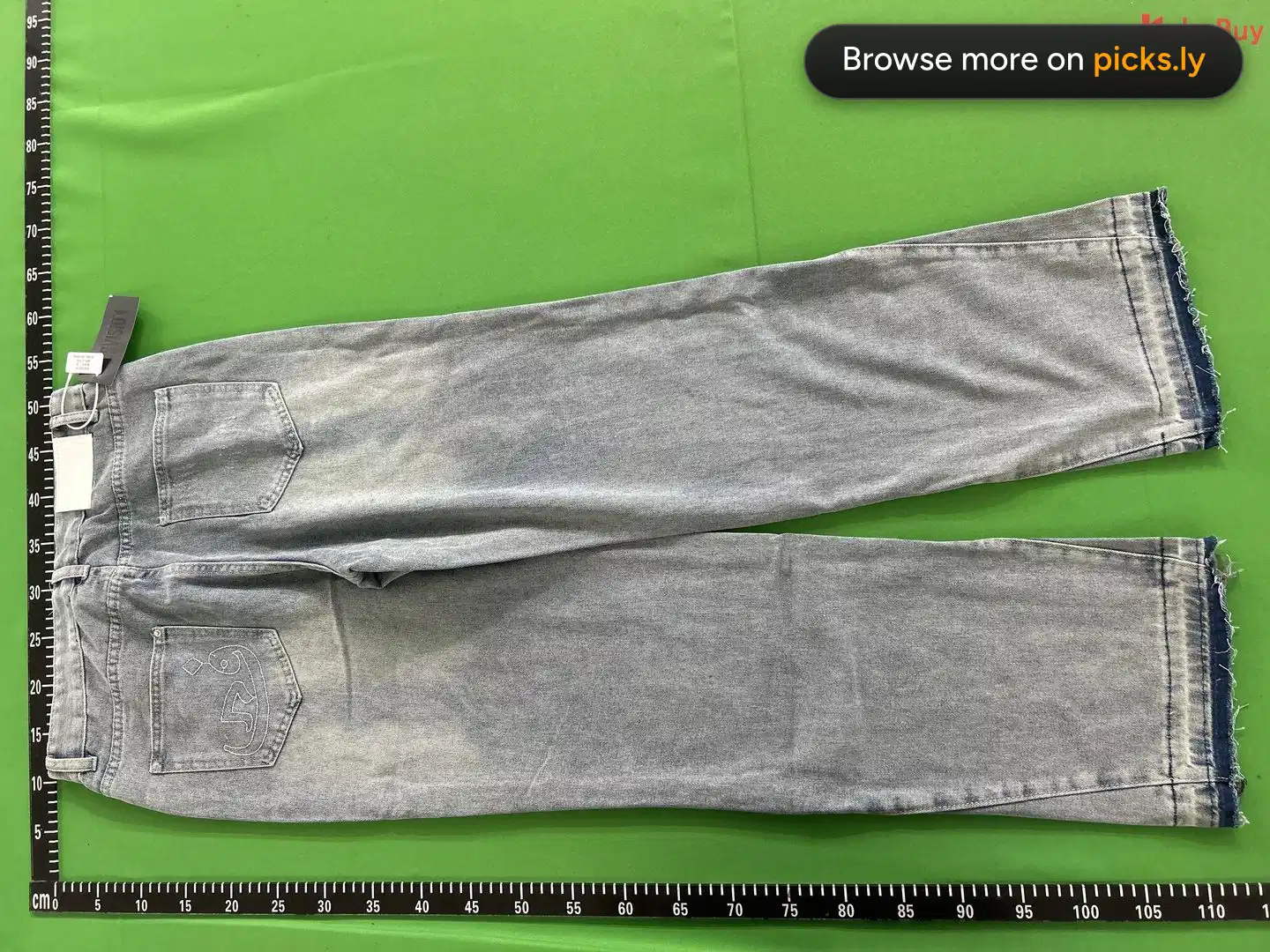
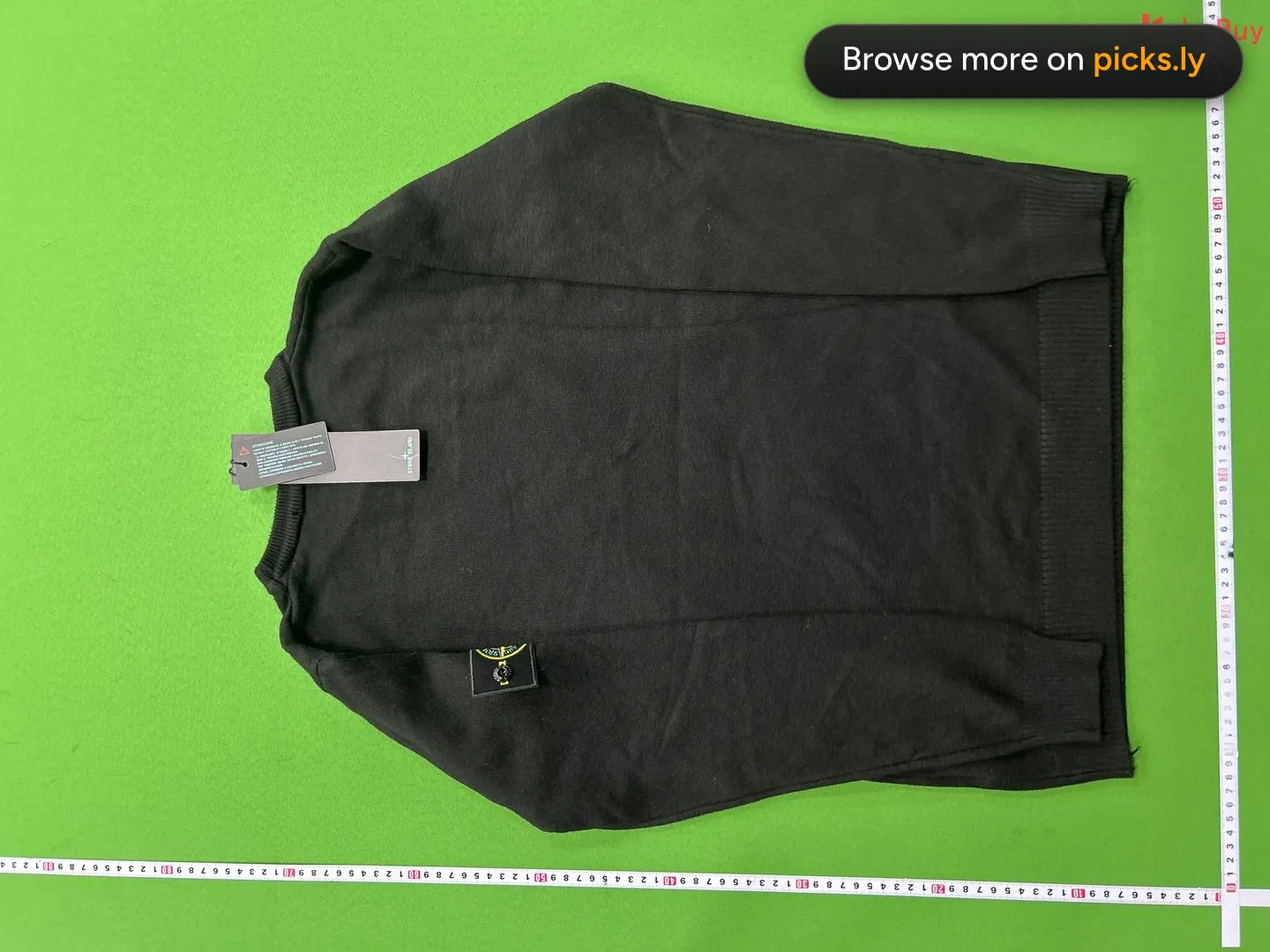
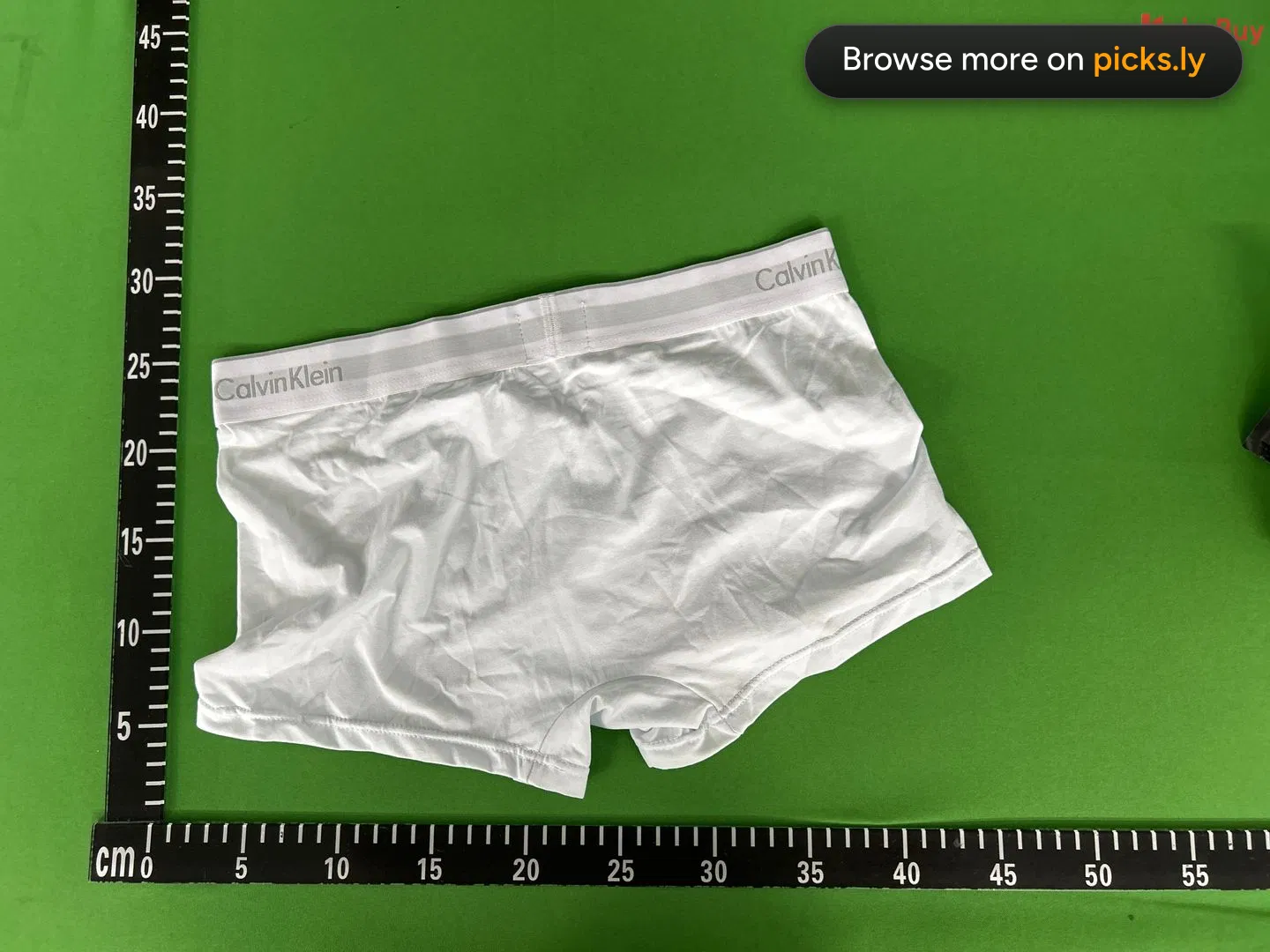
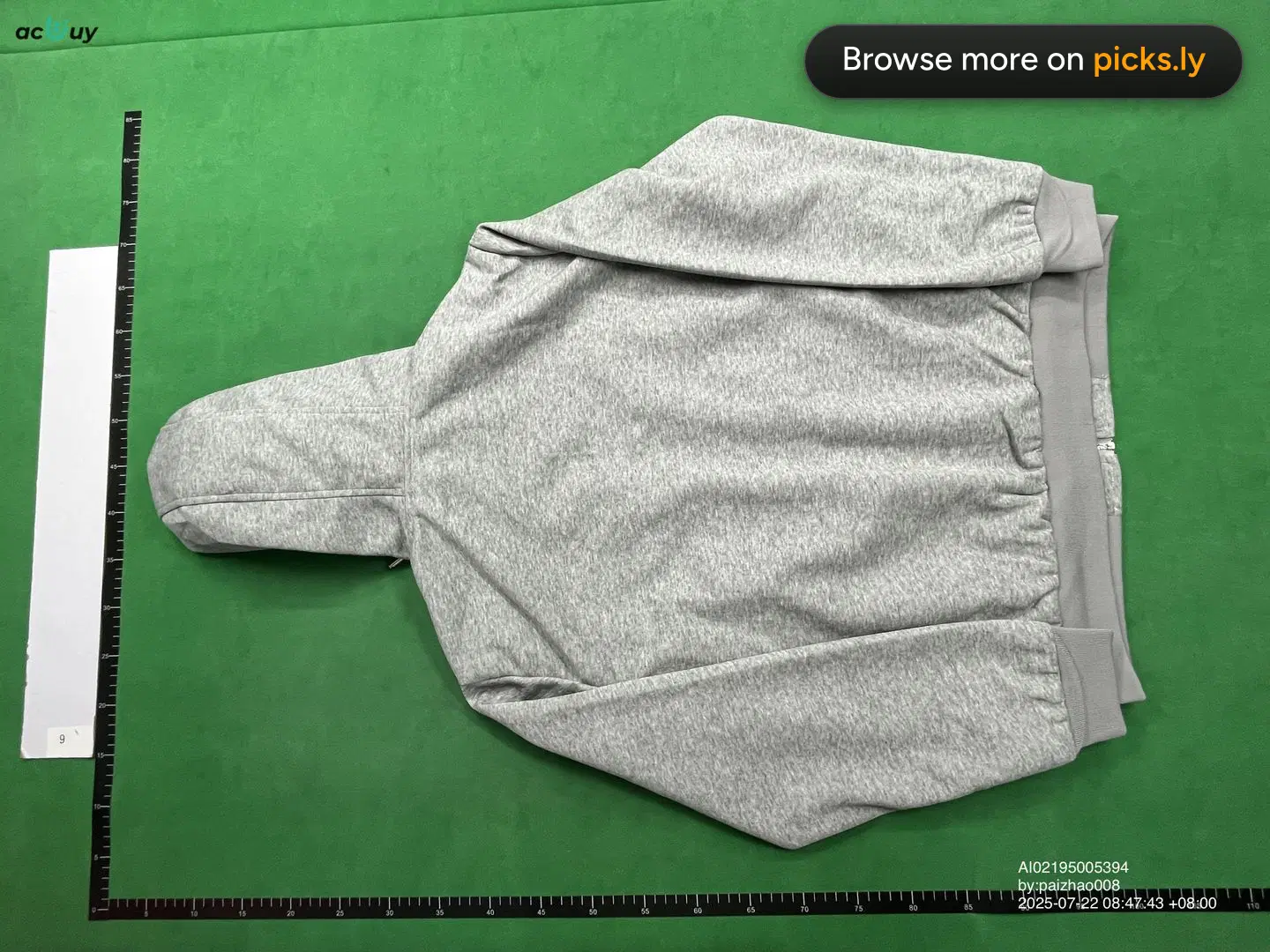
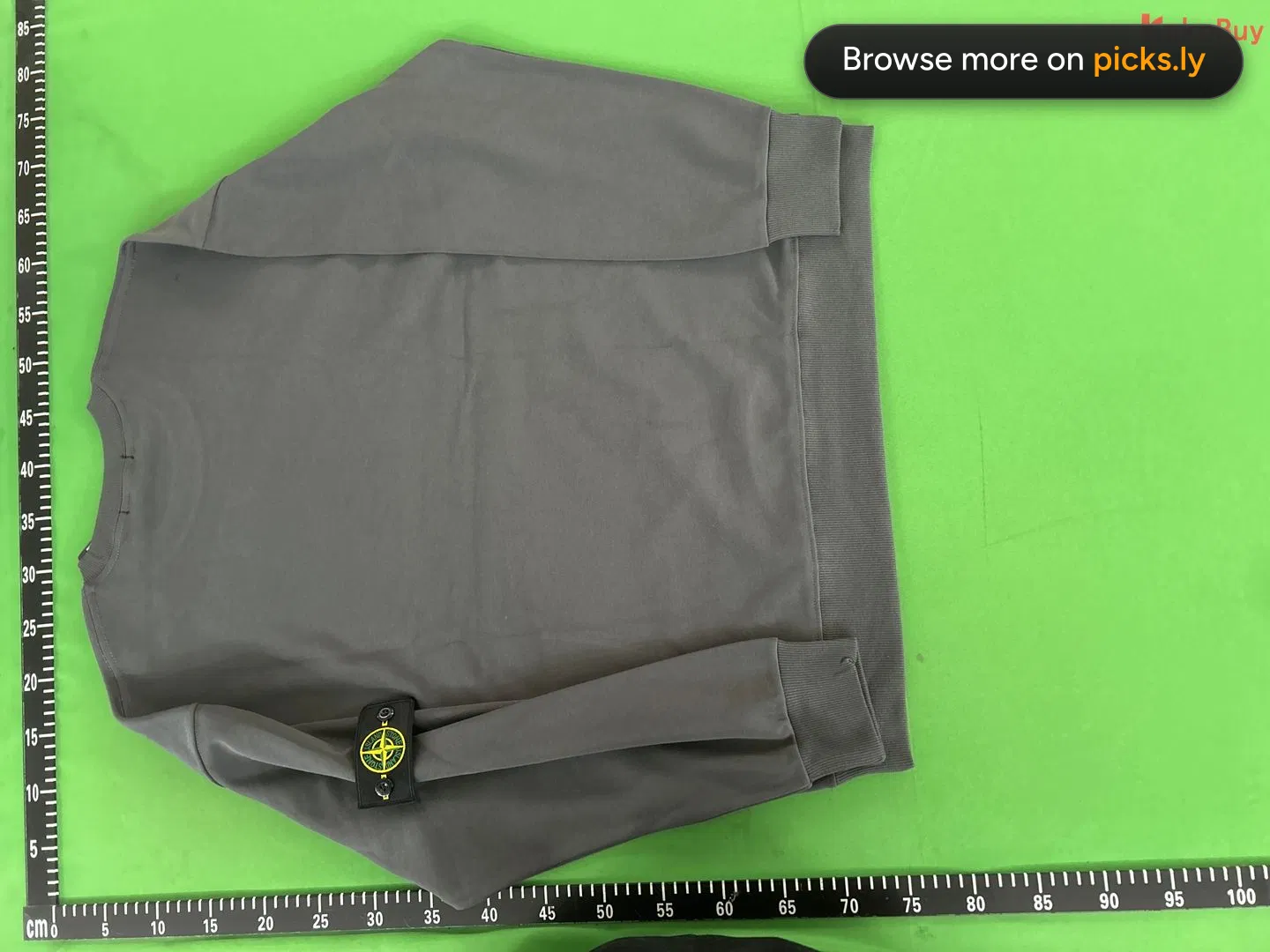
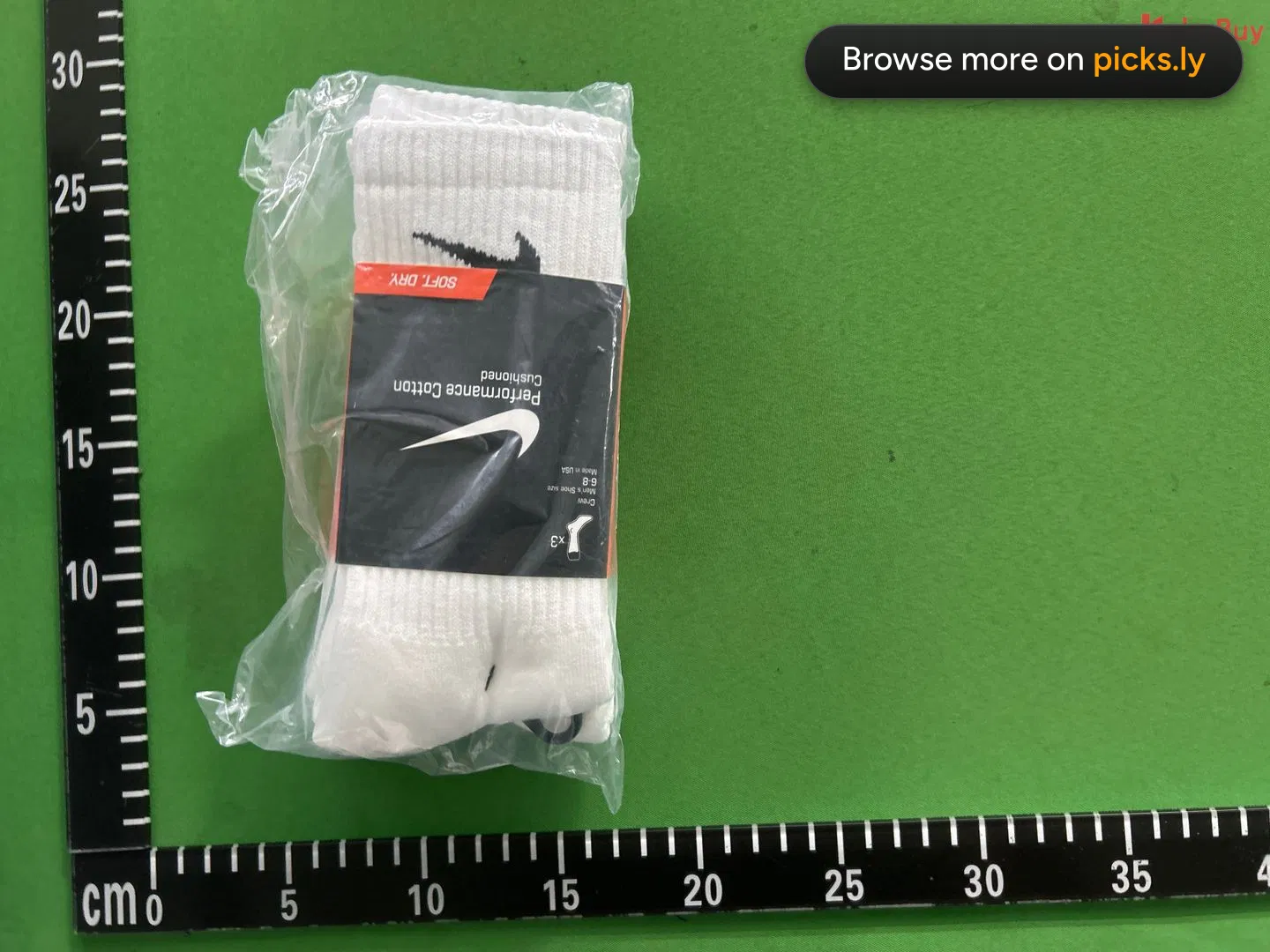
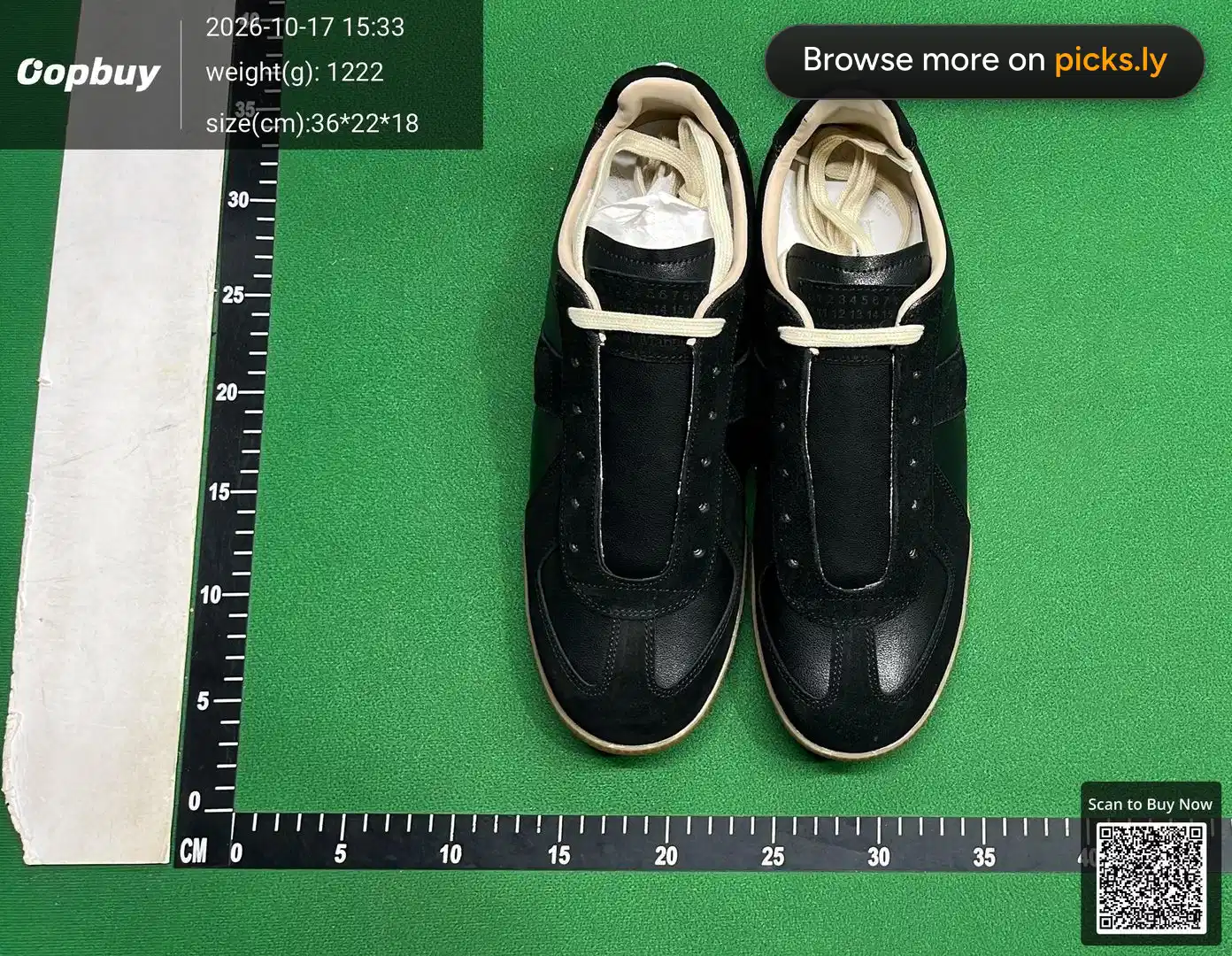
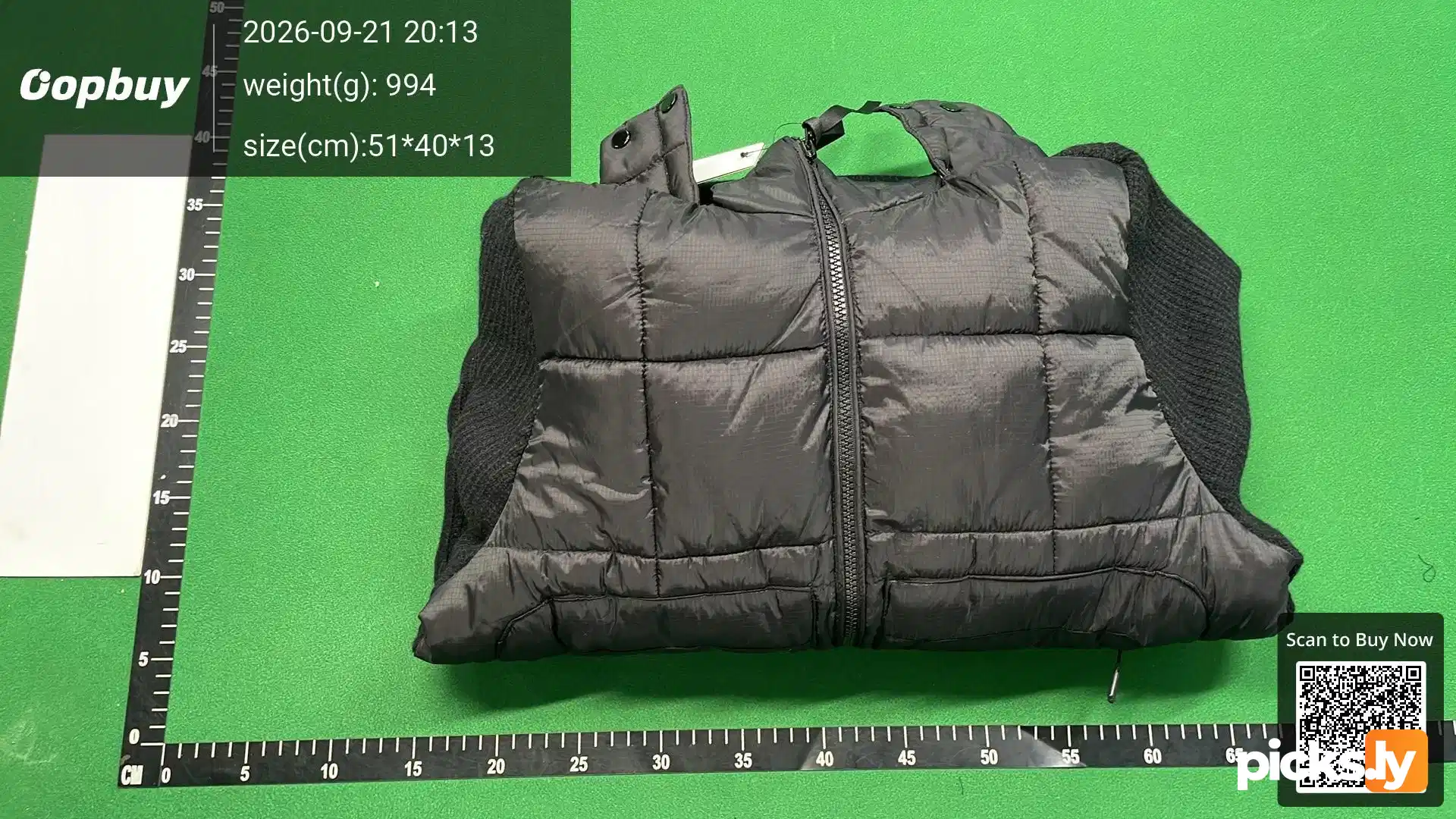
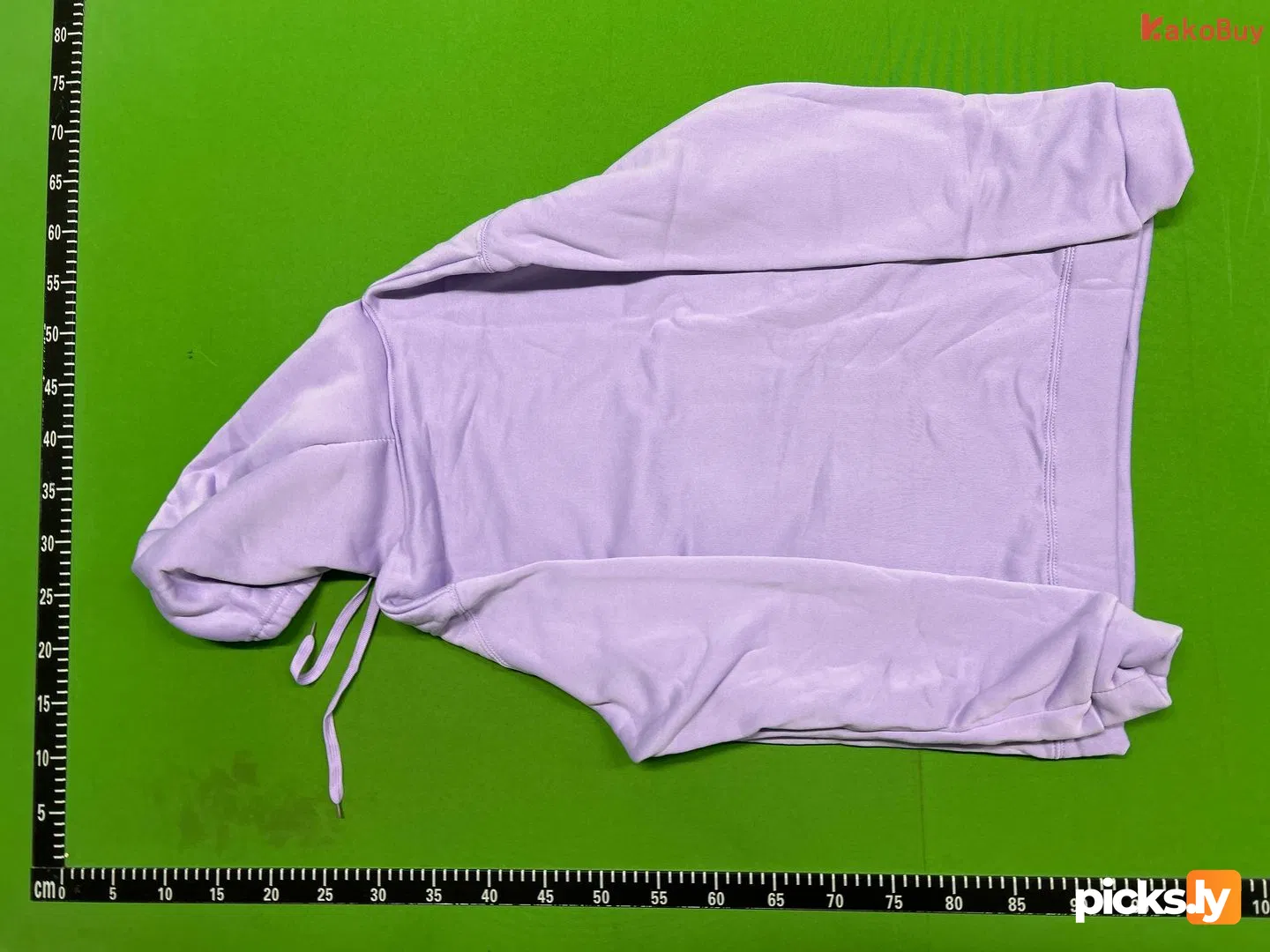
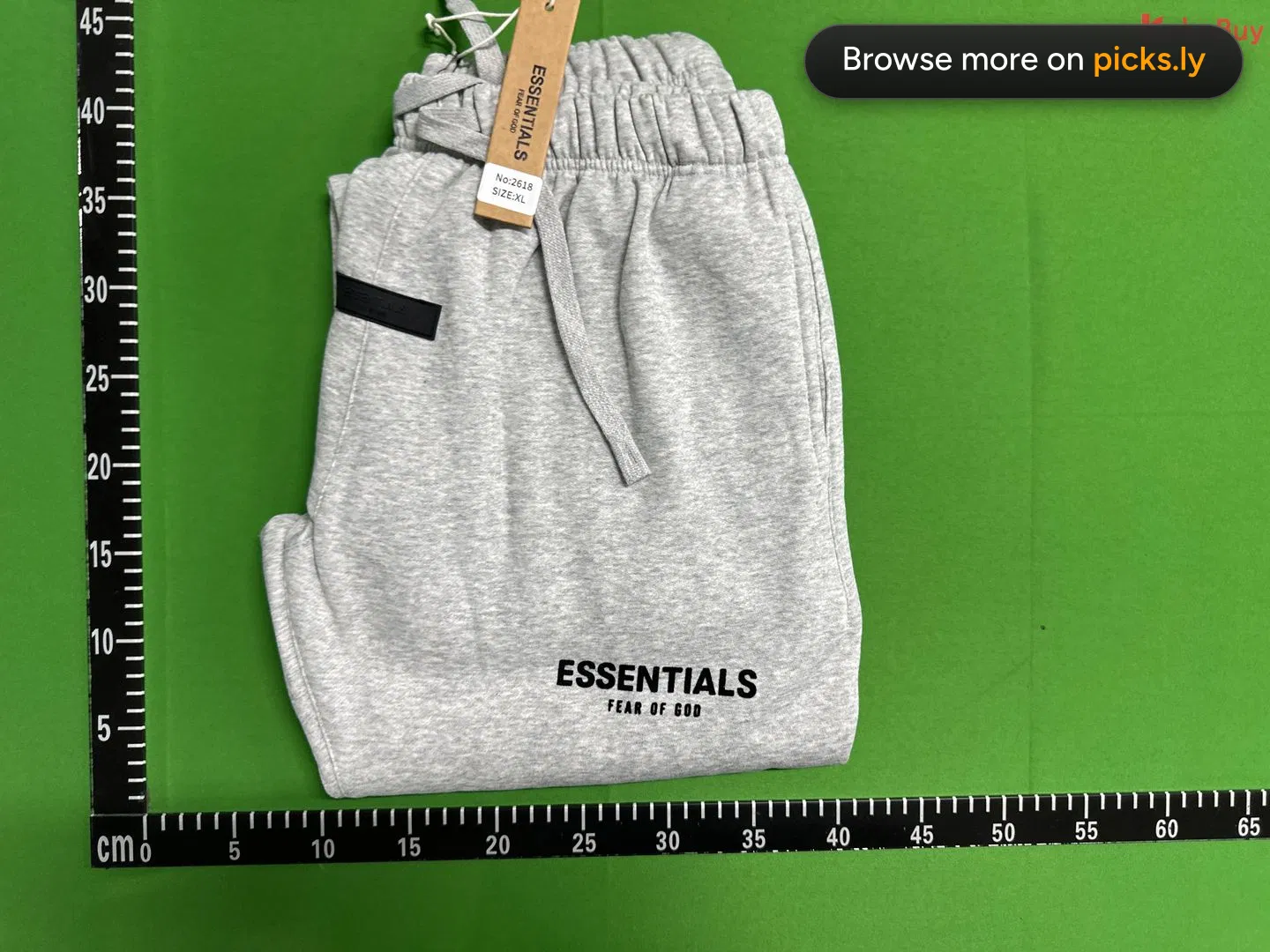
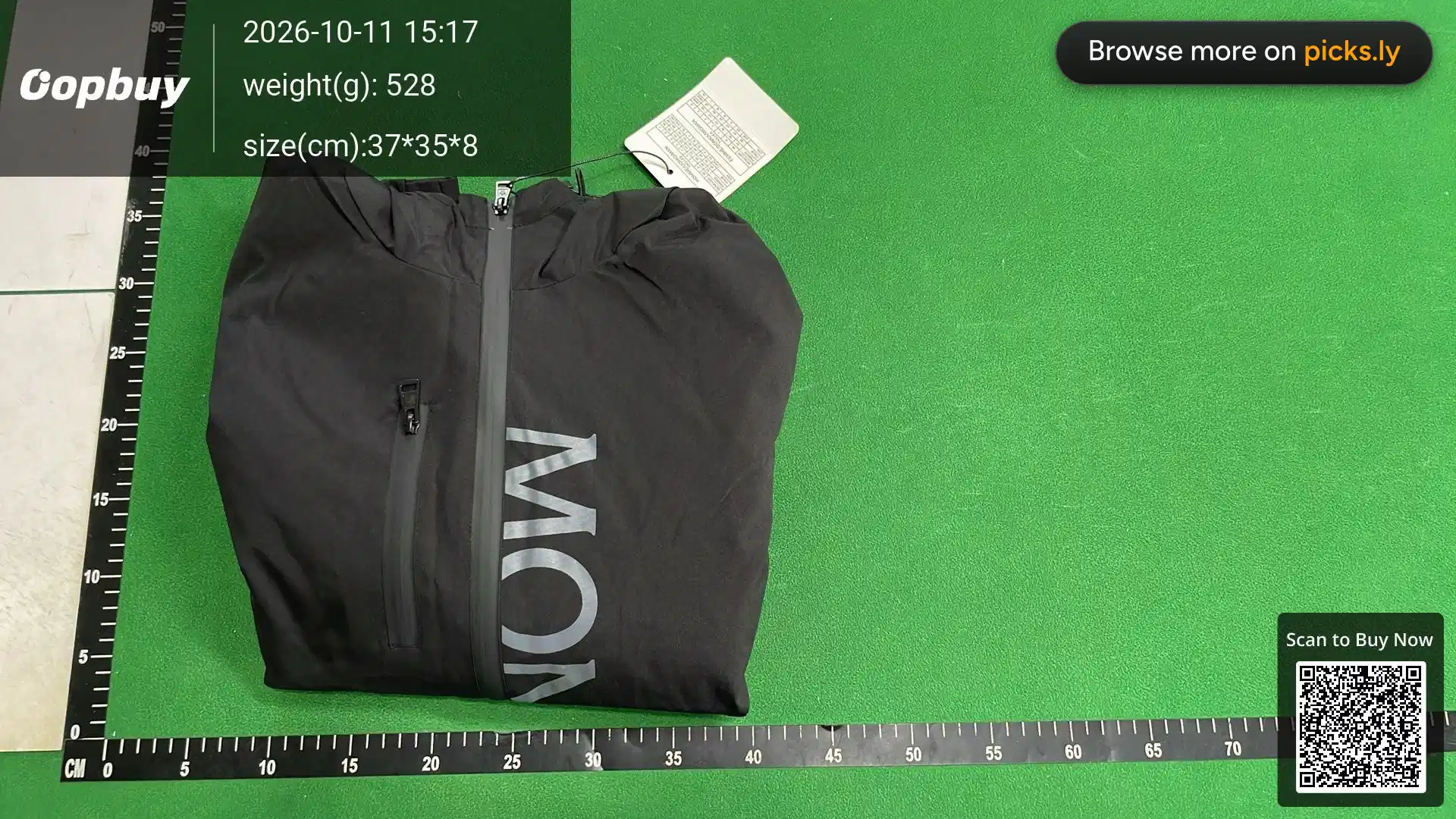
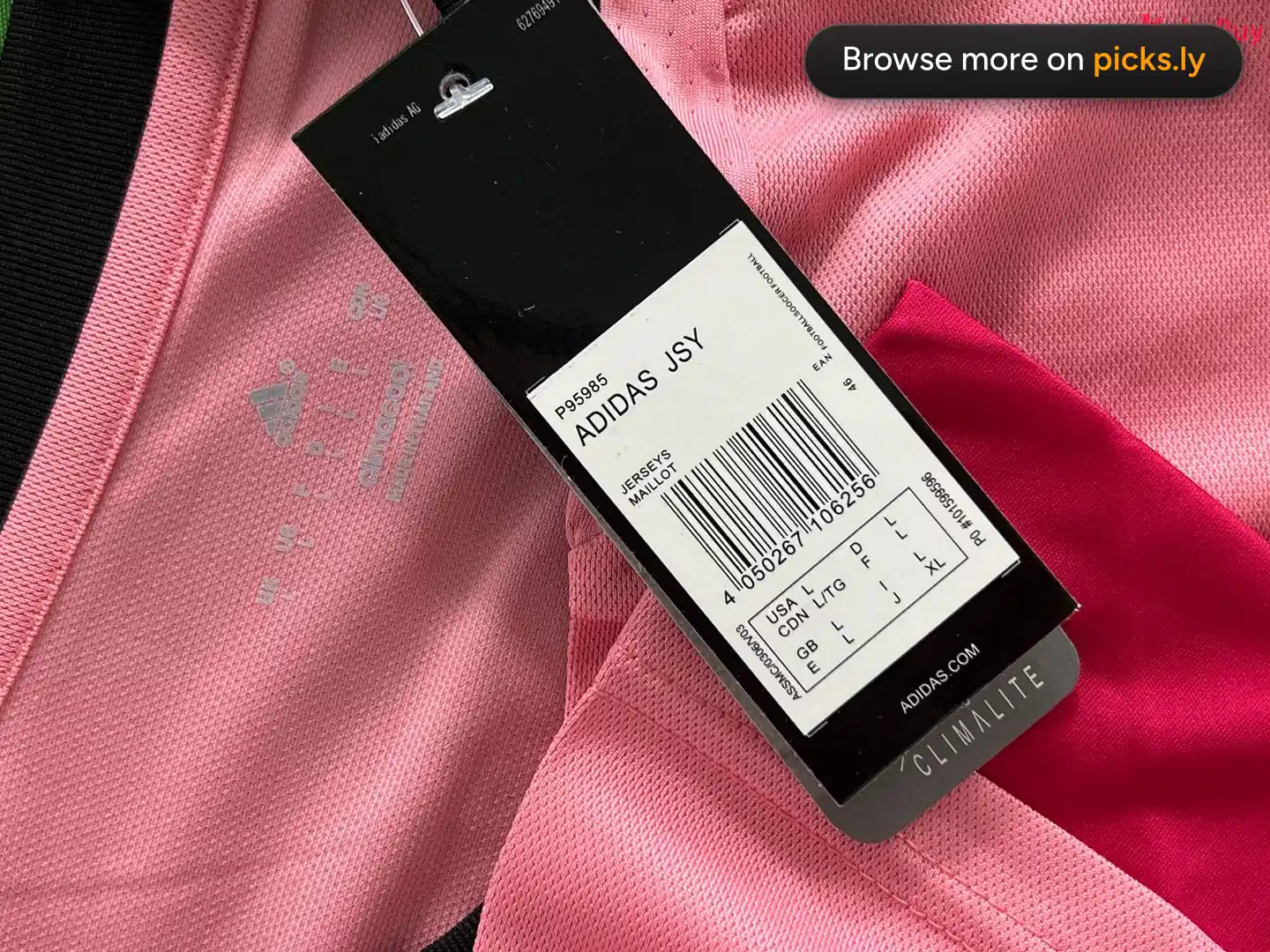
Paste any Loongbuy product link and see the QC photos warehouses took when other people bought the same listing. No Loongbuy account needed, and it works whichever agent you end up ordering with.
Paste a link and I'll check the warehouses.
Which Loongbuy link to copy
Open the item on Loongbuy and copy the address from the browser bar, or use Share and then Copy link in the app. Loongbuy links name the marketplace and the listing number, and QC Finder reads both, so there's nothing to convert.
A Loongbuy product link looks like this:
https://loongbuy.com/product-details?url=https%3A%2F%2Fweidian.com%2Fitem.html%3FitemID%3D7659337676
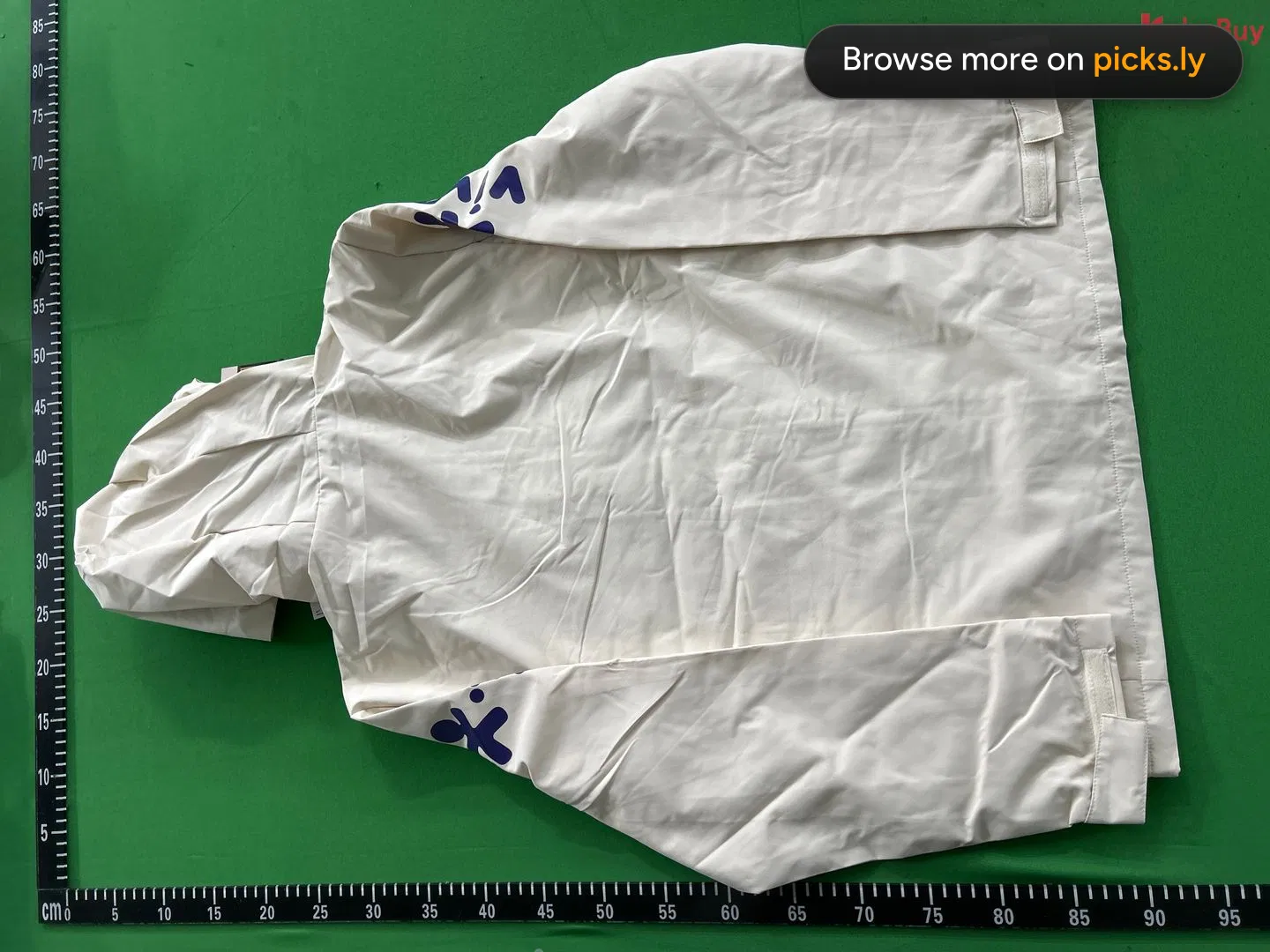
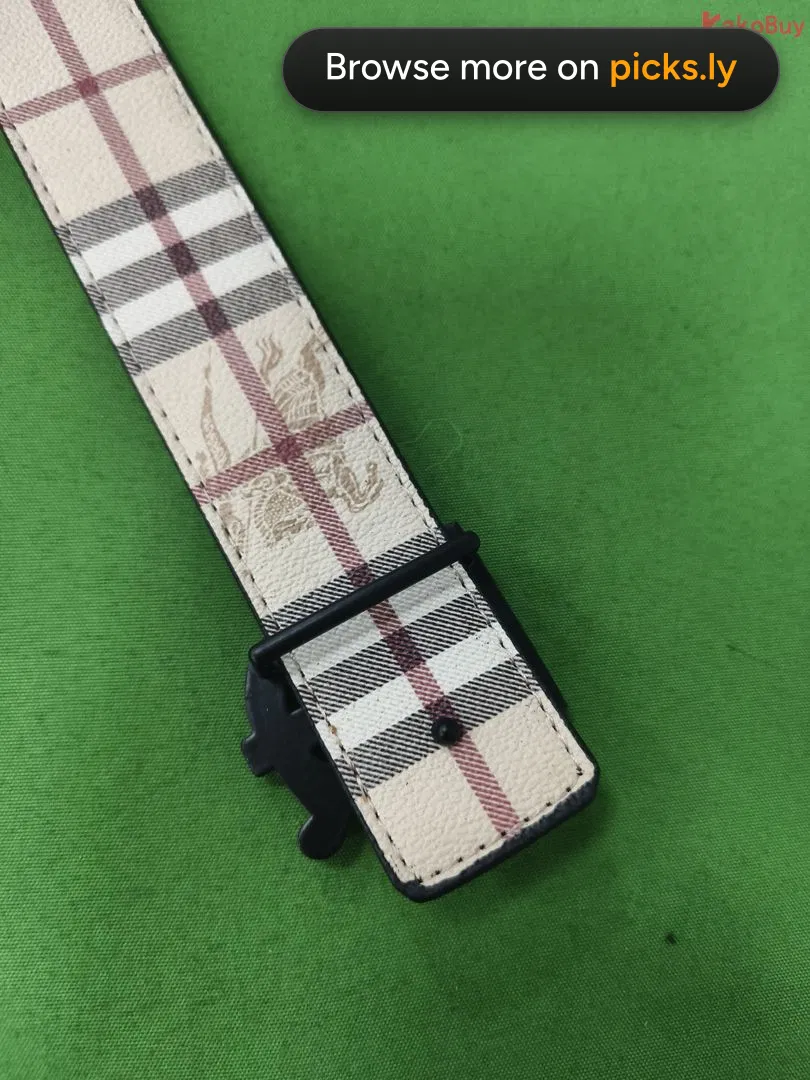
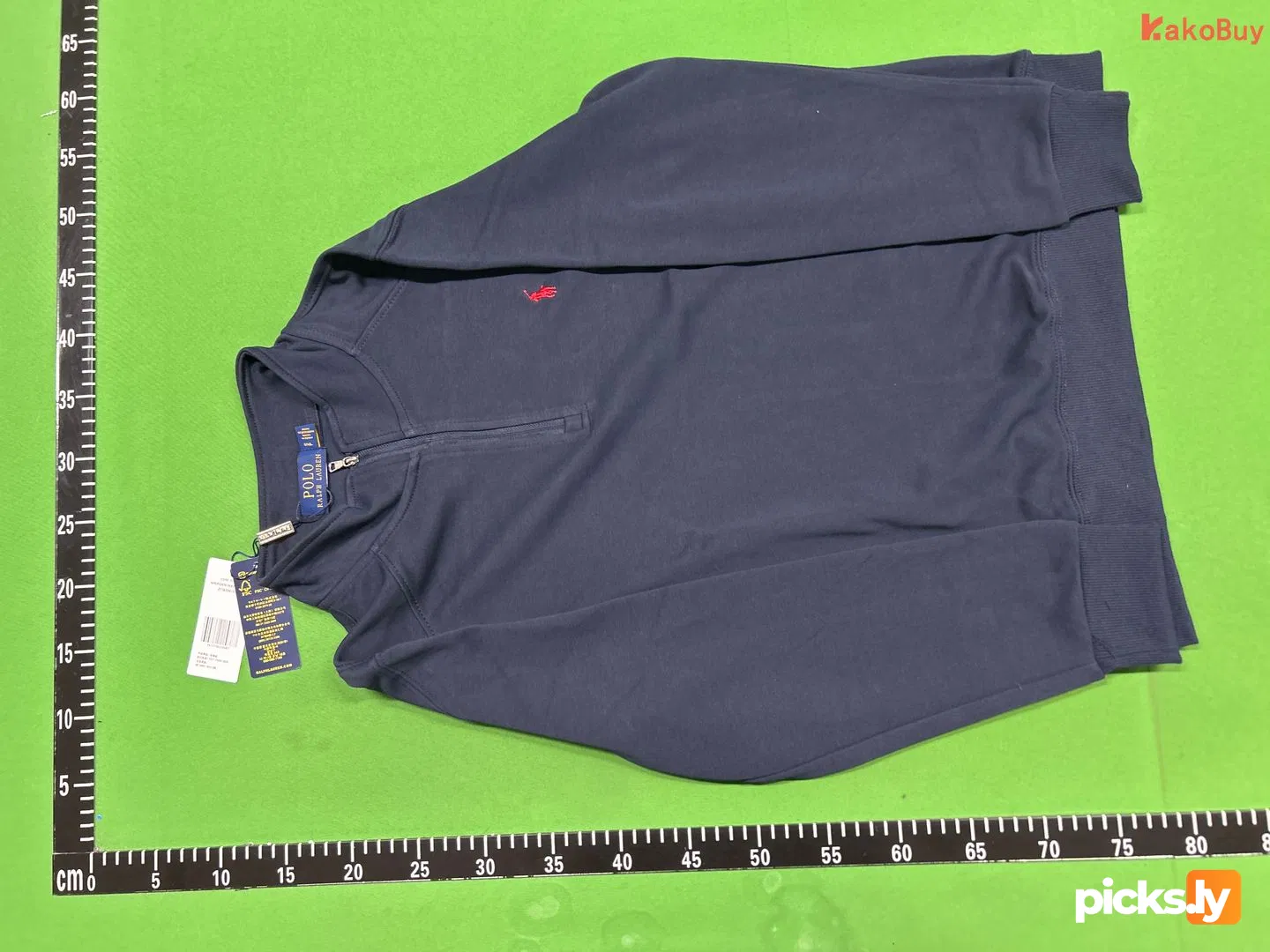
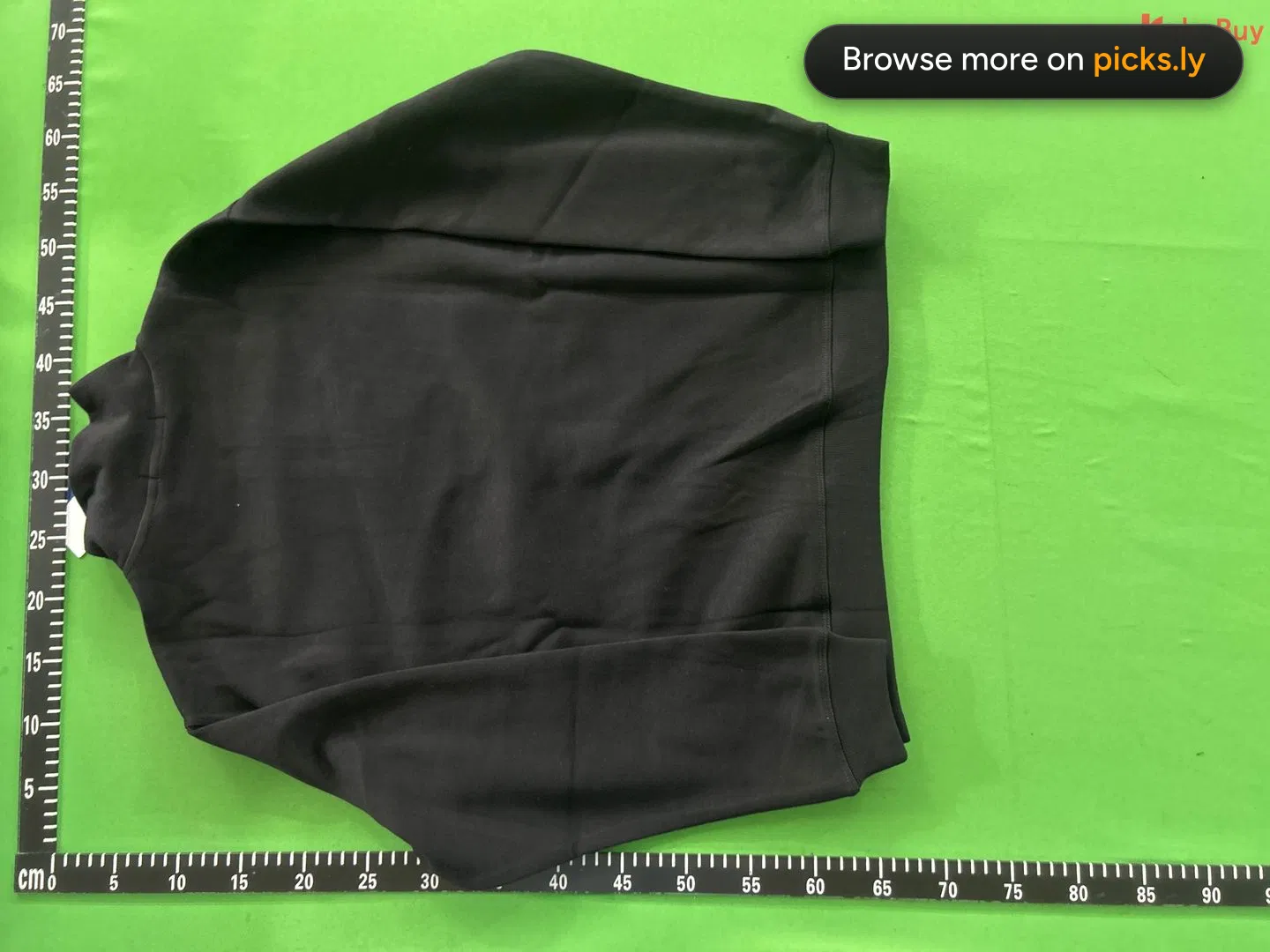
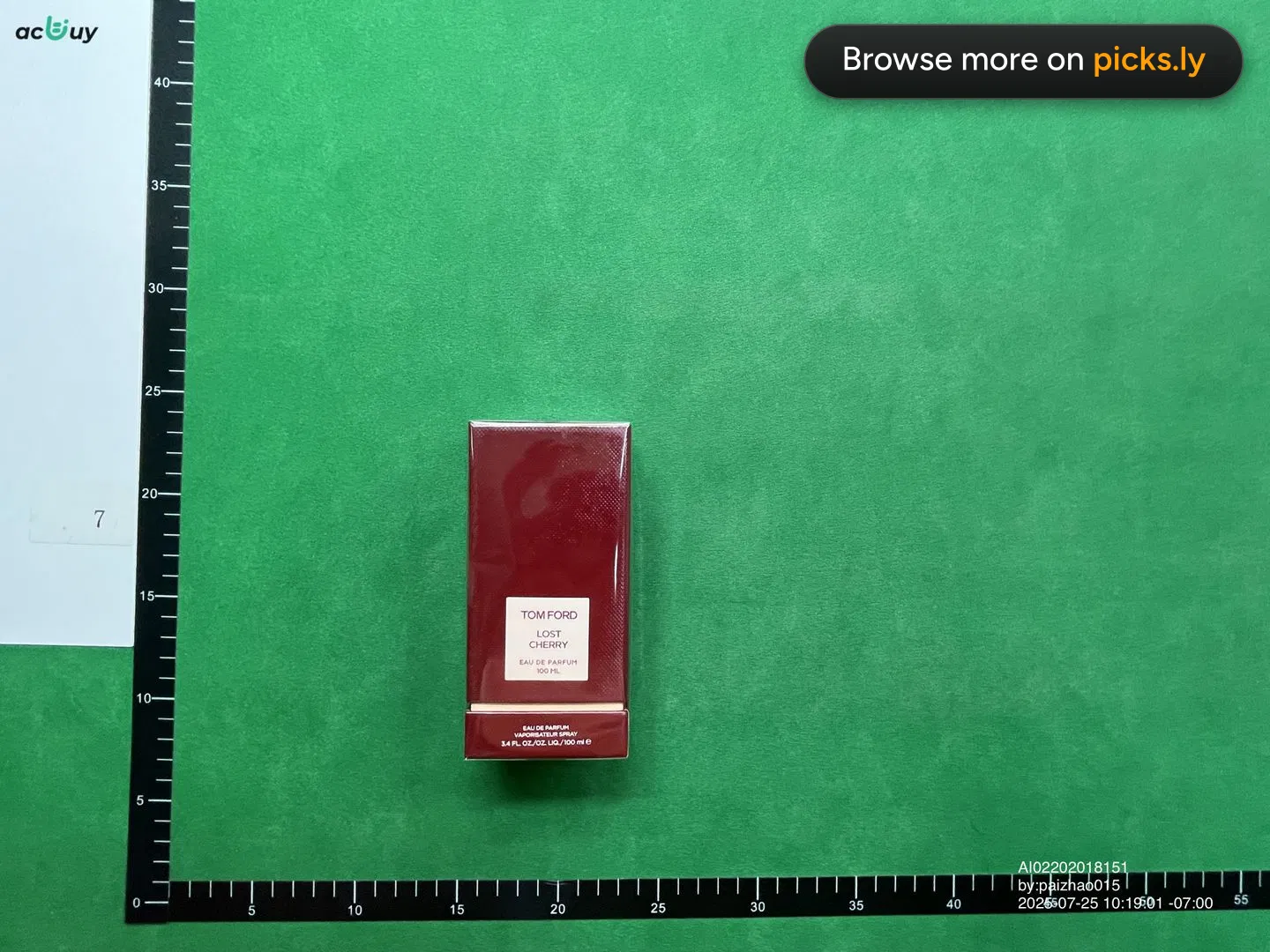
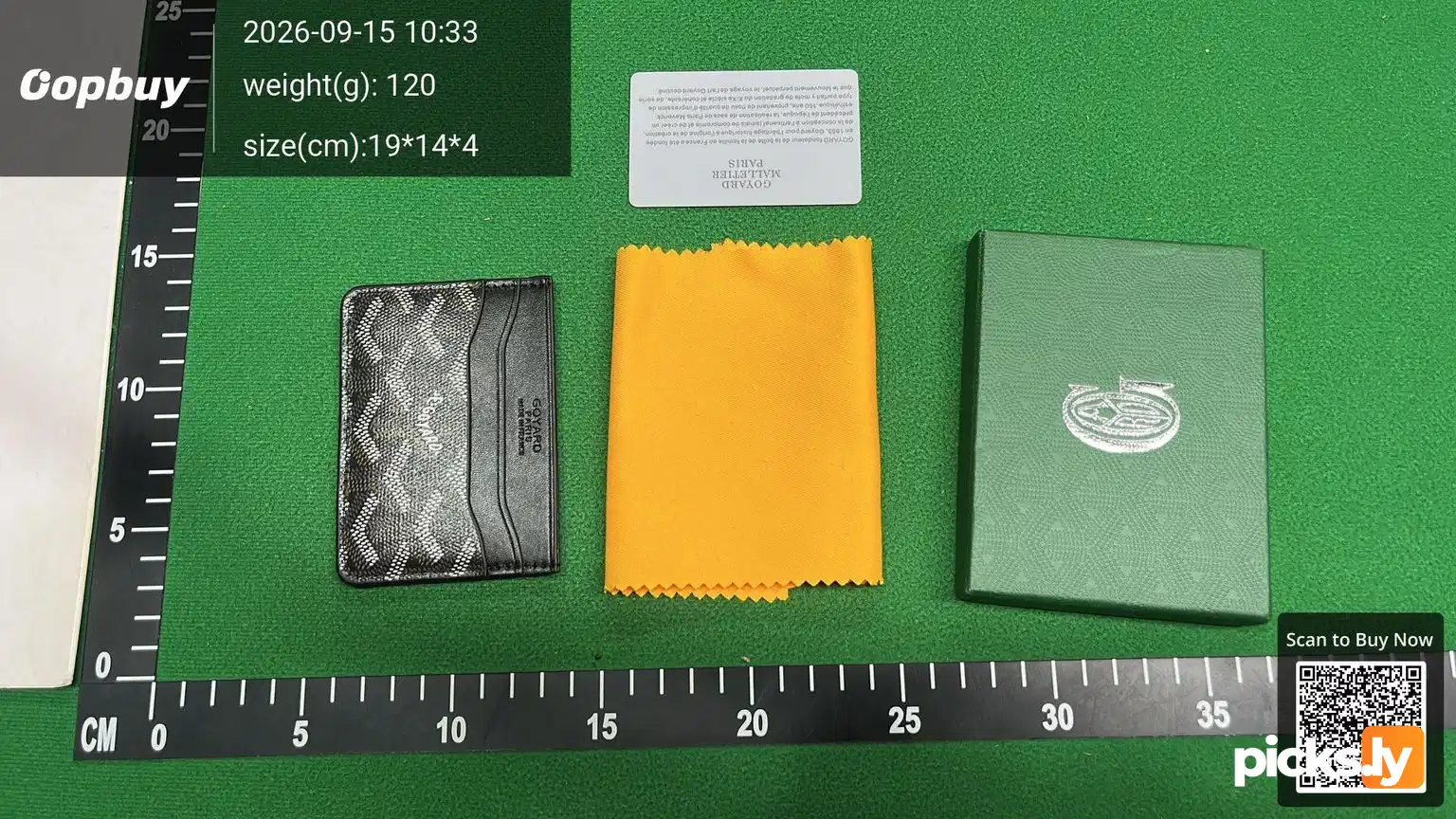
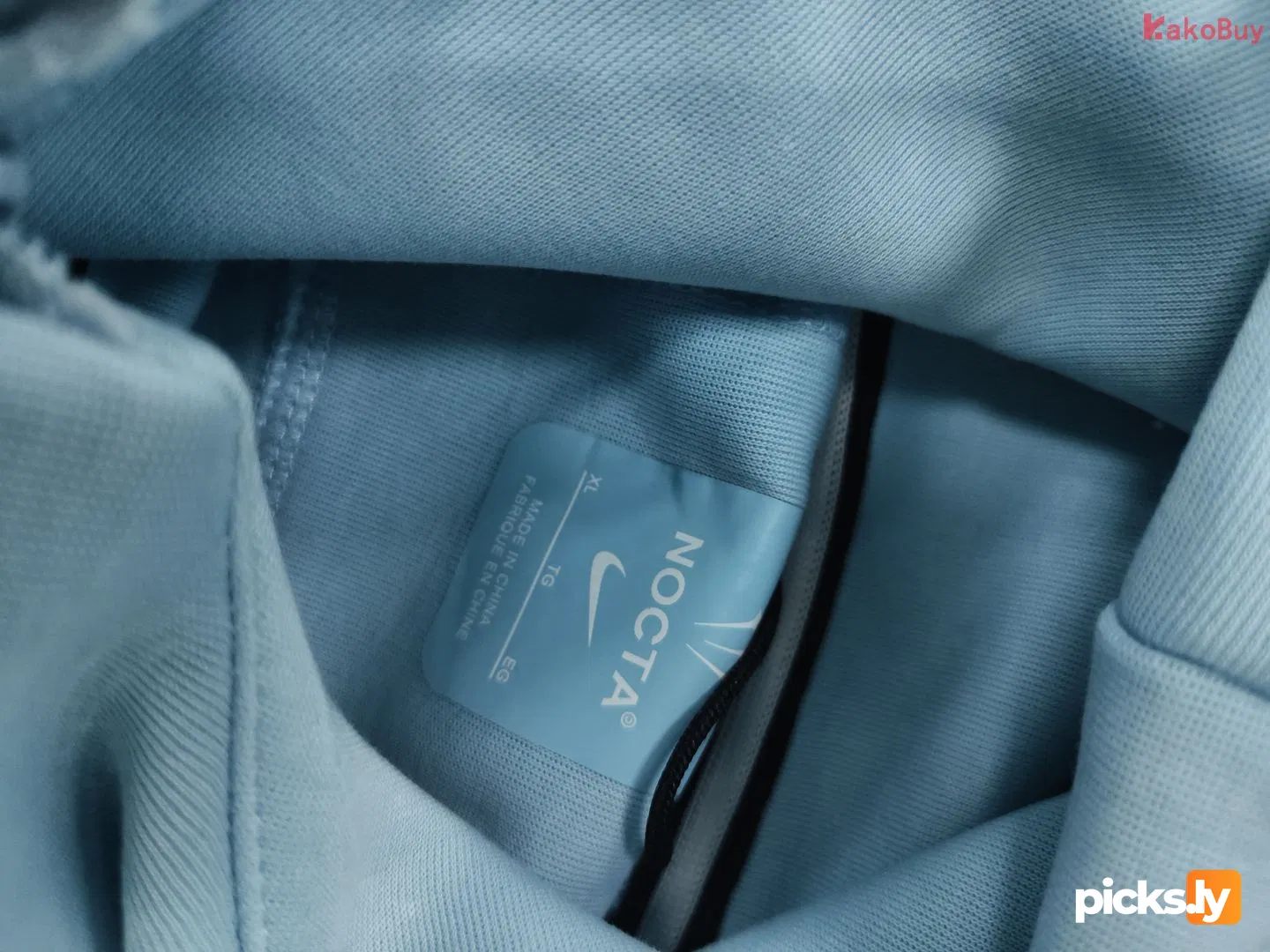
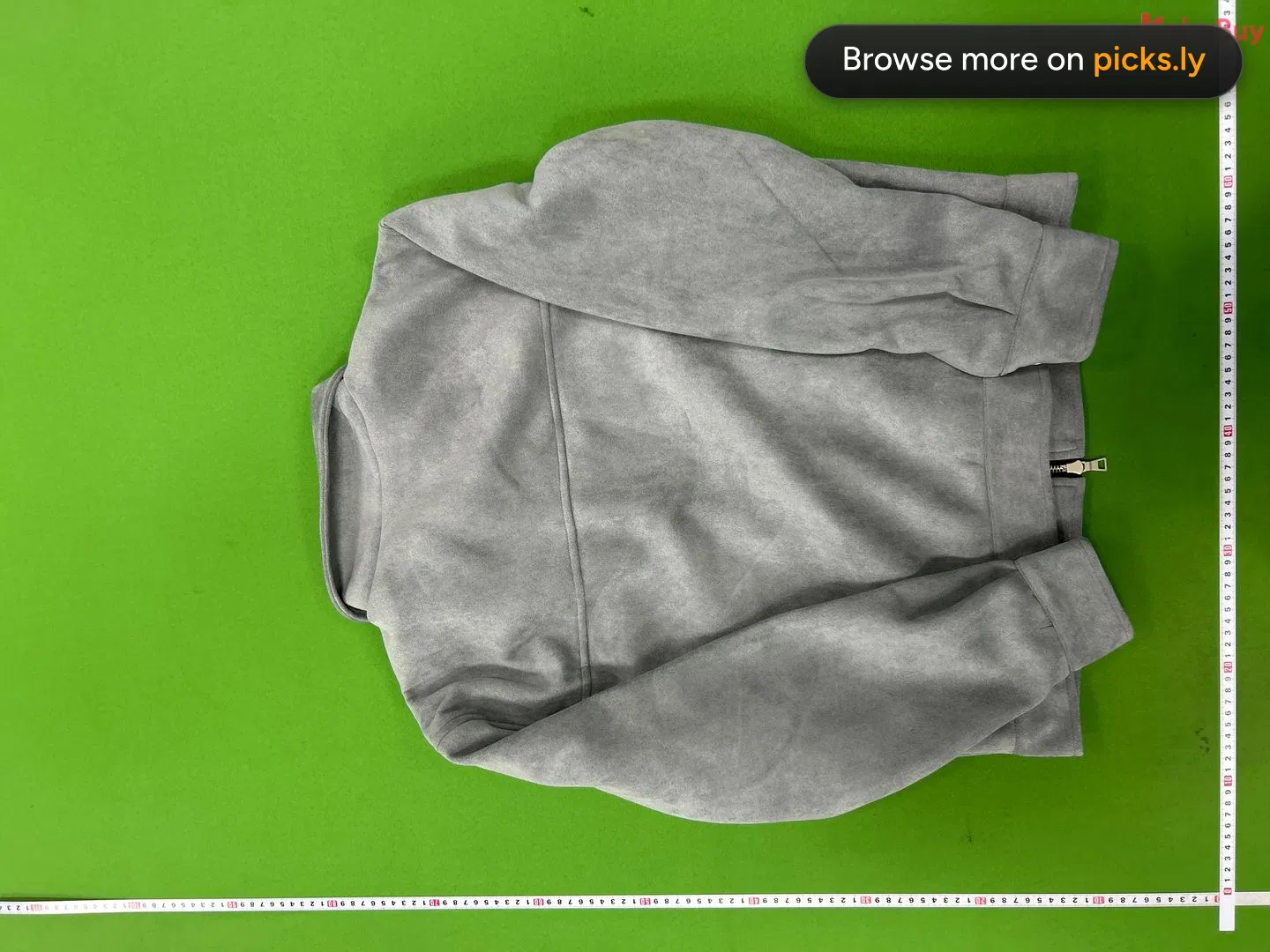
Paste it into the box above and press Find QC. You'll get every QC album for that listing, newest first, with the size and warehouse for each. Not sure what to look for? Read how to check QC photos.
Found what you want? KakoBuy has the best deal right now
QC Finder works with your Loongbuy links, but if you're choosing where to order, a new KakoBuy account comes with $480 in coupons and cheaper shipping.
Loongbuy QC finder questions
Can I find QC photos with a Loongbuy link?
Yes. Paste the Loongbuy product link as it is. QC Finder reads the Weidian, Taobao or 1688 listing out of it and shows every QC album for that listing.
Are these only photos from Loongbuy's warehouse?
Photos come from the warehouses of several agents, so you see everyone's orders of that listing, not just one agent's. Each album shows which warehouse took it.
Why does my Loongbuy link show no QC photos?
Nobody has ordered that exact listing through a tracked agent yet. Try another seller's listing of the same item. If the link itself can't be read, open it in a browser and copy the product page address.
Is this QC finder made by Loongbuy?
No. QC Finder is independent and free. It isn't run by or affiliated with Loongbuy or any other agent or marketplace.