How to buy from China?
Updated , 3 min read
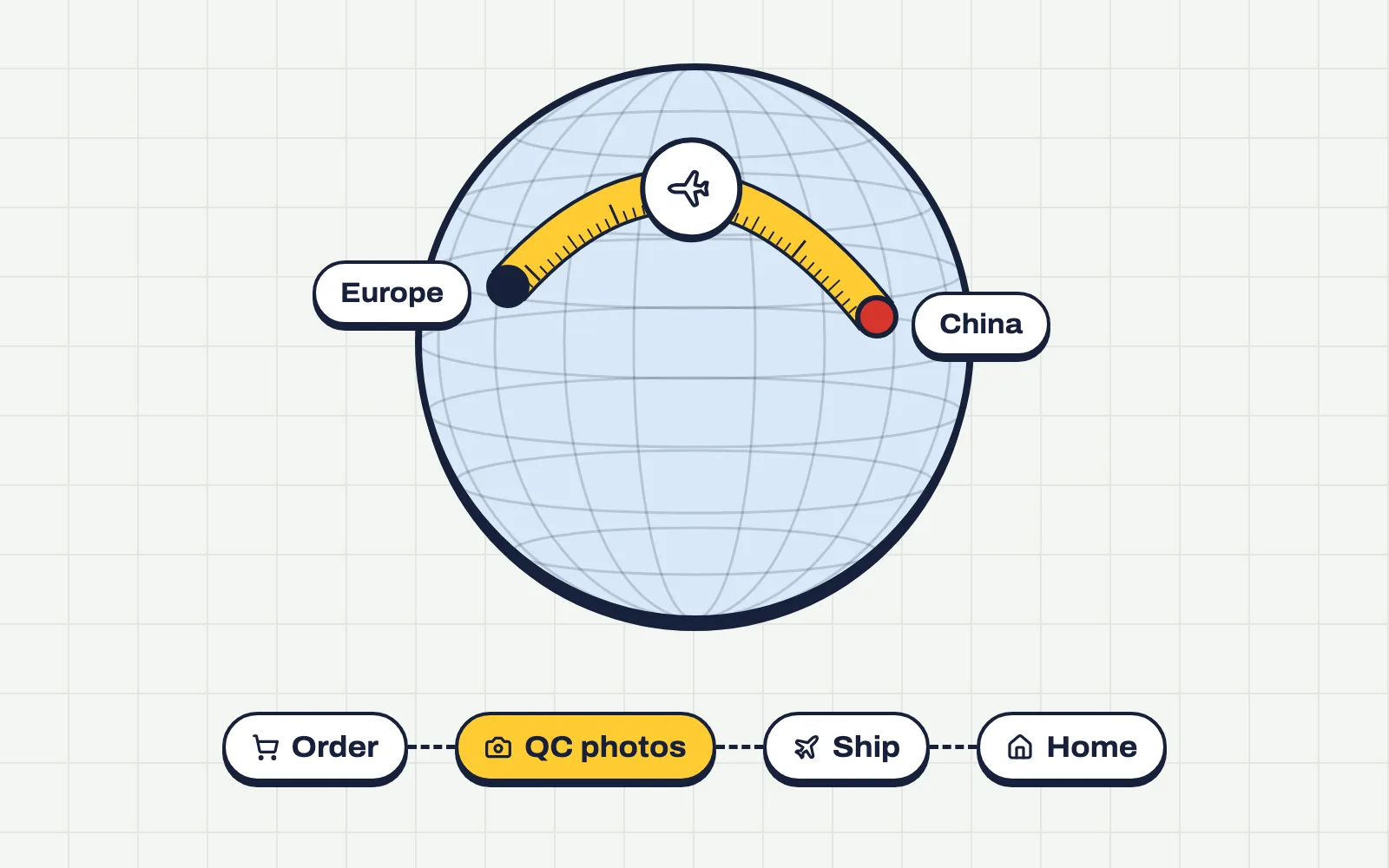
Everything from picking an agent to tracking your parcel, step by step.
1. Pick an agent
An agent buys from Chinese sellers for you and ships everything to your door. Our pick is  KakoBuy: new accounts get $480 in coupons plus 10% and 15% off shipping through our 👉 registration
2. Find your items
Pick what you like, check its QC photos on QC Finder and paste the item link into KakoBuy to add it to your cart.
3. Submit your order
Happy with your cart? Tick the items you want to buy and press Submit.
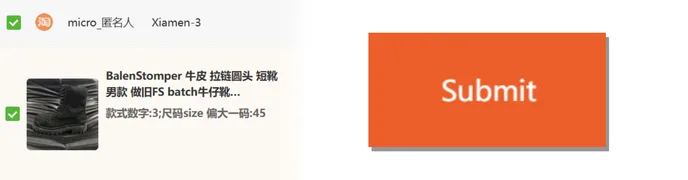
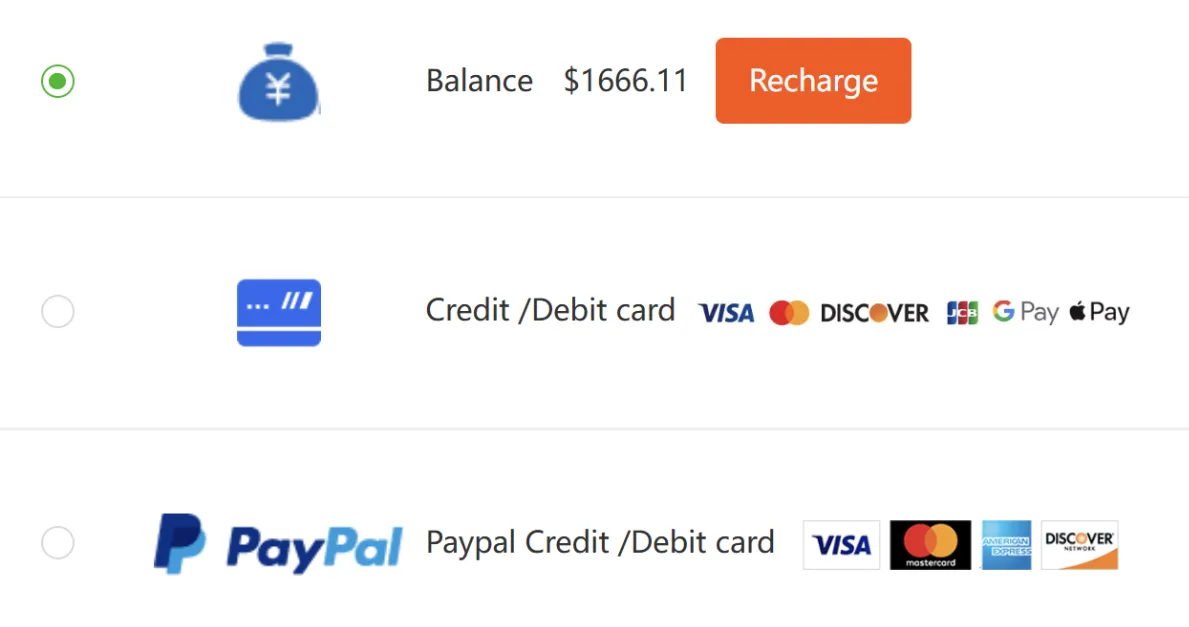
4. Pay
Pick any payment method: balance, card, Apple Pay, Google Pay or PayPal. They're all safe, and Apple Pay is the quickest.
5. Wait for the warehouse
After you pay, your items head to the agent's warehouse, and you get 📸 photos of them once they arrive. Your order moves through these stages:
1) Paid – your payment is being processed.
2) Purchased – your agent has bought the item.
3) Seller Sent – the seller has shipped it to the agent's warehouse.
4) Stored – it's in the warehouse and your photos are ready.
Not happy with the quality or size? Use the Return goods button.
6. Rehearsal Packing or Submit?
Once everything is in the warehouse you can send your parcel. You'll get two options:
📦 Rehearsal Packing (recommended, saves money) – your parcel is packed and weighed first, so you see the real shipping cost before you pay. You can also fold or remove packaging to cut the volumetric weight. It costs a few dollars, but you never pay for weight you don't have.
⚡ Submit – ships straight away at the estimated price. That estimate is final: no refund if the parcel turns out lighter, and no chance to trim the packaging first.
7. Packaging options
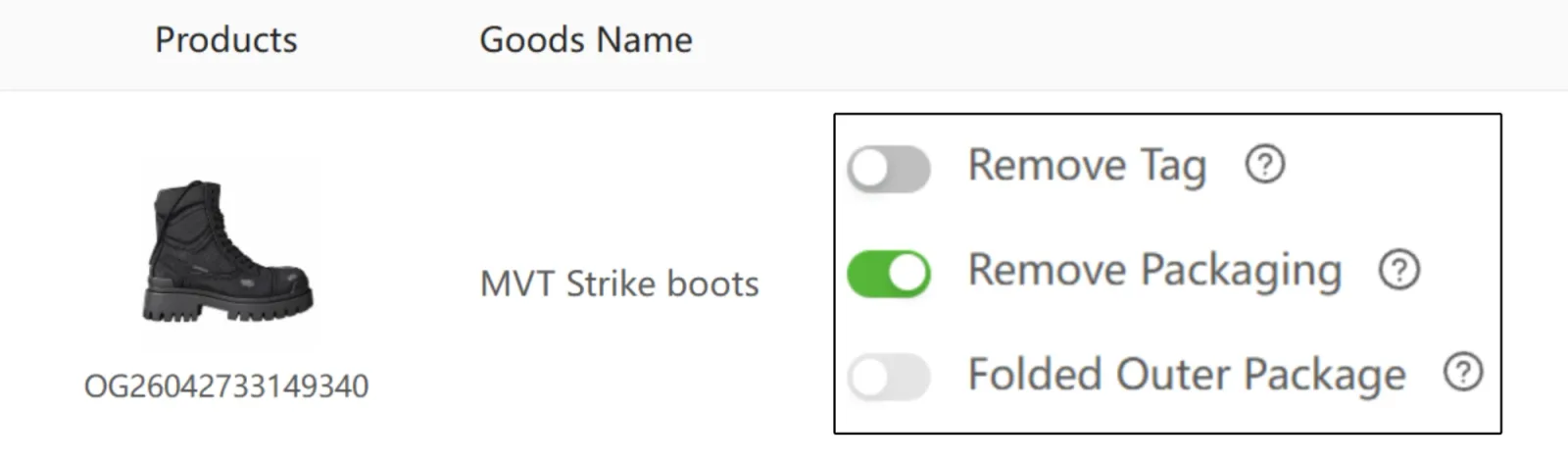
On the shipping page you can choose:
- Remove Tag – takes the tags off clothes
- Remove Packaging – removes bags and boxes (recommended for shoes)
- Fold Outer Package – folds boxes flat (only if you want to keep them)
8. Add-ons
The ✨ best picks are Shoe Trees (when the box is folded or removed) and Stretch Film for extra protection. Shipping something fragile? Add Bubble Wrap or Corner Protection.

9. Route and coupon
Choose your 🚚 Delivery Route, then pay for the parcel. Before you submit, apply a Coupon: peter20 takes 20% off shipping and peter takes $16 off shipping. More coupons: KakoBuy coupons: $480 + codes

10. Track your parcel
Once the parcel is paid, follow it on the KakoBuy website (PC): Parcel → Parcel Details → Express No. (click it).
 QC Finder