Picksly: find reps, compare sellers and check QC
Updated , 4 min read
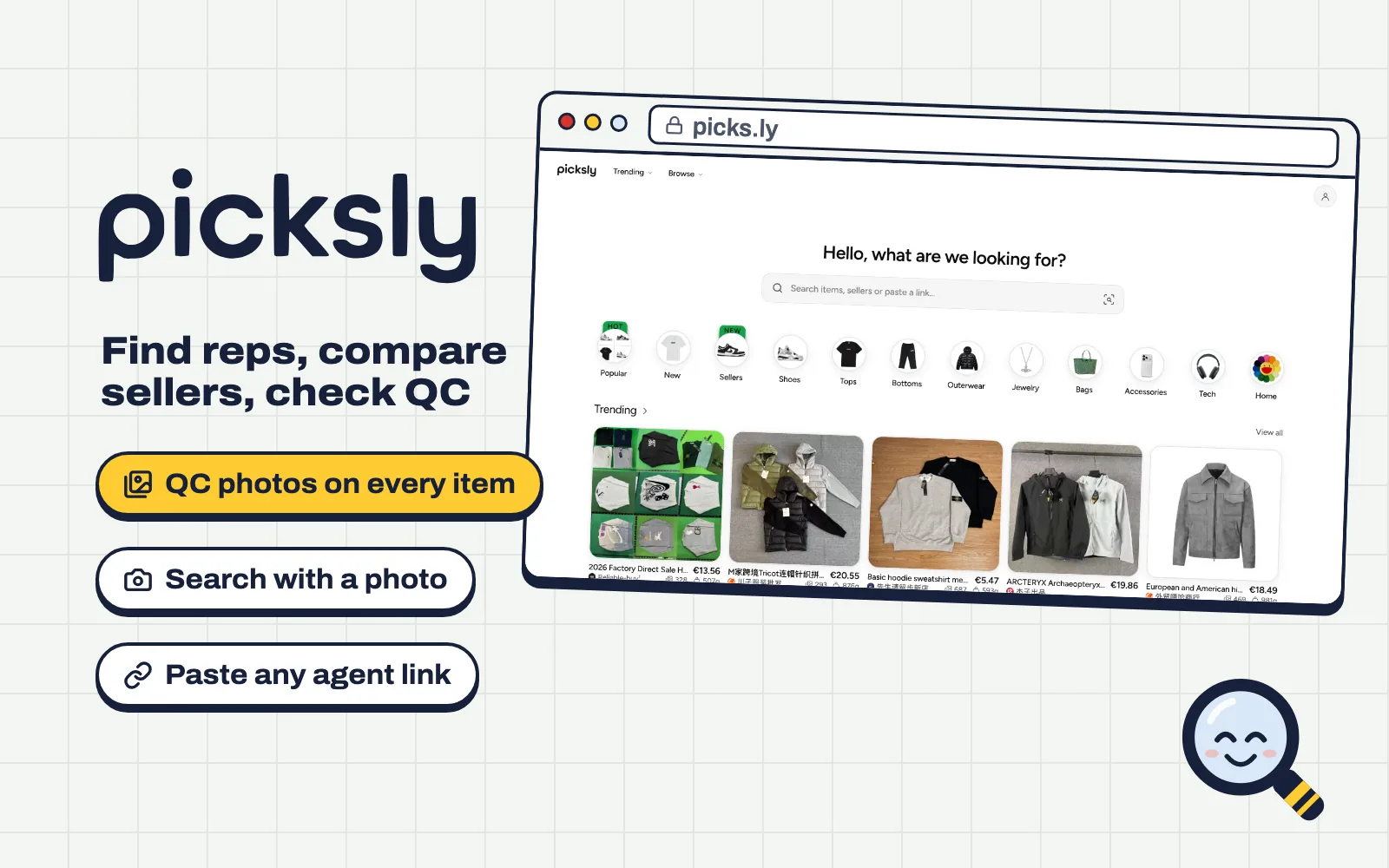
QC Finder answers one question: what does this listing really look like? Picksly is where you go before that, when you don't have a link yet. It's a free catalogue of items from Weidian, Taobao and 1688, with QC photos on every item page.
Finding items
Open picks.ly and use the search bar at the top. It takes three kinds of input:
- A name or a brand, like "down jacket" or a seller's name. Results come from the whole catalogue.
- A link from Weidian, Taobao, 1688 or any agent. It opens that item straight away.
- A photo. Tap the camera icon in the search bar, add a picture of what you want, and Picksly shows items that look like it. Handy when all you have is a screenshot.
No idea what you want yet? The categories under the search bar (shoes, tops, outerwear, bags and more) and the Trending row show what people are looking at right now.
Reading an item page
Each item page puts the seller's photos and the QC photos side by side, with the price, the sizes and colours on offer, and the weight. The weight comes from the warehouse, so it's also a good guide to what shipping will cost.
Popular items are sold by many sellers. Before you settle on one, look at the same item from other sellers: one of them may have more QC albums, a lower price or a better batch. If you want to check a listing in detail, paste its link into QC Finder for every album at once.
Buying through your agent
Picksly doesn't sell anything itself. When you're ready, pick your shopping agent and Picksly opens the item there, ready to add to your cart. If you don't have an agent yet, KakoBuy gives new accounts $480 in coupons through our sign-up link, and the codes peter20 (20% off shipping) and peter ($16 off shipping) work when you pay for your parcel.
Picksly in Discord
Picksly also has a Discord bot. Add it to your server and type /qc with any product link to get its QC photos right in the chat, which is useful when friends ask "GL or RL?" about something they're about to buy.
Picksly or QC Finder?
Use both. Picksly is for browsing and comparing: finding the item, the seller and the price. QC Finder is the quick check once you have a link: paste it and see every QC album for that listing, then read the photos properly before you order.
Questions
Is Picksly free?
Yes. Searching, browsing and looking at QC photos on Picksly is free, and you don't need an account for it.
Can I buy directly on Picksly?
No. Picksly finds items and opens them on the shopping agent you choose. You order and pay on the agent's site.
How do I search Picksly with a photo?
Tap the camera icon in the search bar on picks.ly and add a picture. Picksly shows items that look like the one in your photo.
Is QC Finder part of Picksly?
They're separate sites that both show QC photos. QC Finder is a quick lookup for one link; Picksly is a full catalogue to browse and compare.