Can you see QC photos before buying?
Updated , 3 min read
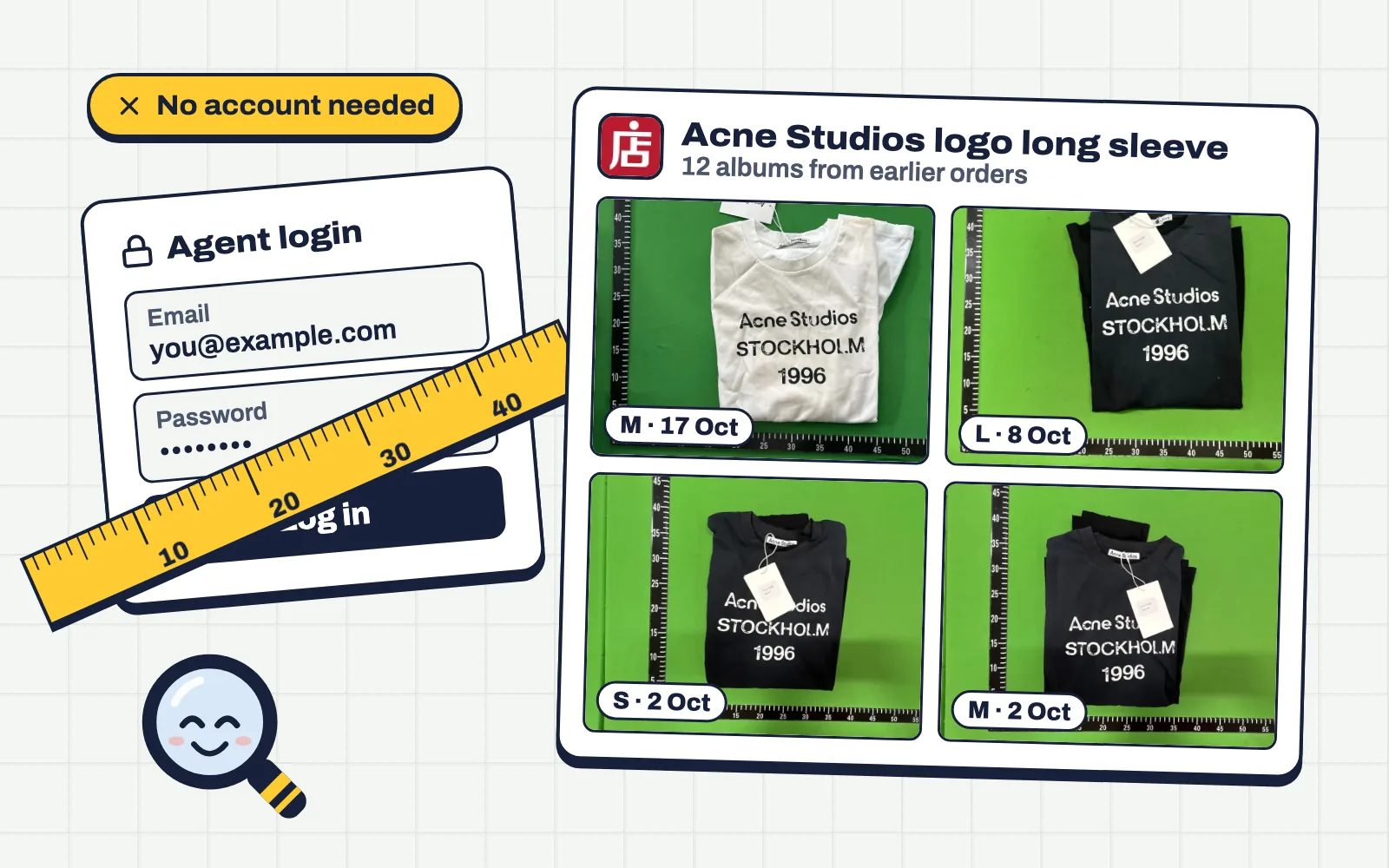
You don't have to order an item to see QC photos of it. If anyone has bought the same listing through an agent before, their warehouse photos are probably out there, and a QC finder brings them to you.
How it works without an account
Agents photograph every item that arrives at their warehouse. Those photos get collected per listing. When you paste a link into QC Finder, it looks up the listing and shows the albums from earlier orders. You don't log in anywhere and you don't need to have used that agent.
How much to trust photos from other orders
More than seller photos, less than your own QC. Earlier albums show what the seller has been sending recently. Look at the dates: a batch from last month is a better guide than one from a year ago. If recent albums all agree, you're very likely to get the same.
When there's nothing to see
New listings and rare items won't have albums yet. In that case:
- Search other sellers of the same item; one of them may have photos.
- Read the listing's own photos carefully and compare them with retail.
- Order, then judge your own QC photos with our QC checklist.
Questions
Do I need an account to use QC Finder?
No. Paste a link and see the photos, no sign-up.
Are older QC albums still useful?
Yes, but recent ones are better. Sellers change batches, so give the newest albums the most weight.